Comprehensive Twitter Video Tool Guide
Here are user-focused answers to the most frequent questions about Twitter Video Tool, including features, pricing, copyright and growth strategies.
Here are user-focused answers to the most frequent questions about Twitter Video Tool, including features, pricing, copyright and growth strategies.
Almost any public tweet works. If you have a link or text, Twitter Video Tool can convert it into a video. The system supports text, threads, images and quote tweets.
In most cases, yes. Twitter Video Tool outputs videos suitable for brand promotion, influencer content, and advertising.
Absolutely. Add AI voiceover or upload your own. Subtitles are automatic. Twitter Video Tool ensures accessibility and impact.
Yes. Twitter Video Tool offers resizing, background music, color themes, motion styles and subtitle choices.
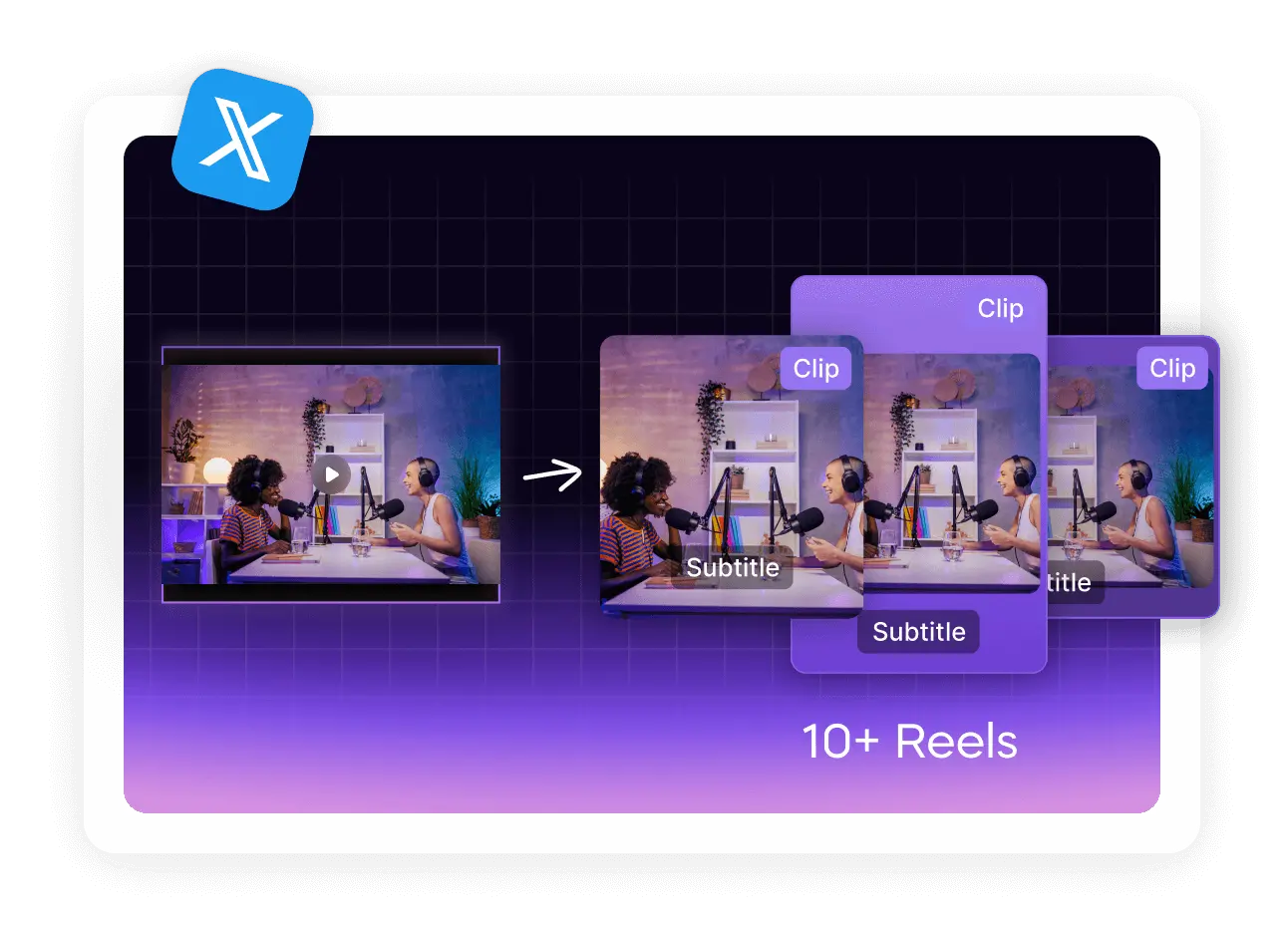
Though optimized for X, content from Twitter Video Tool works perfectly on TikTok, Reels, Shorts, LinkedIn and more.
No experience required. Twitter Video Tool handles trimming, transitions, typography, timing and render settings. You focus on ideas.
Not fully. Twitter Video Tool offers free usage through task-based rewards. Advanced users may require upgrades.
Yes. Most videos are ready in a few minutes. Fast turnaround is one of the top advantages of Twitter Video Tool.
Batch mode is not supported yet. Follow upcoming updates — the team behind Twitter Video Tool is actively developing more automation.
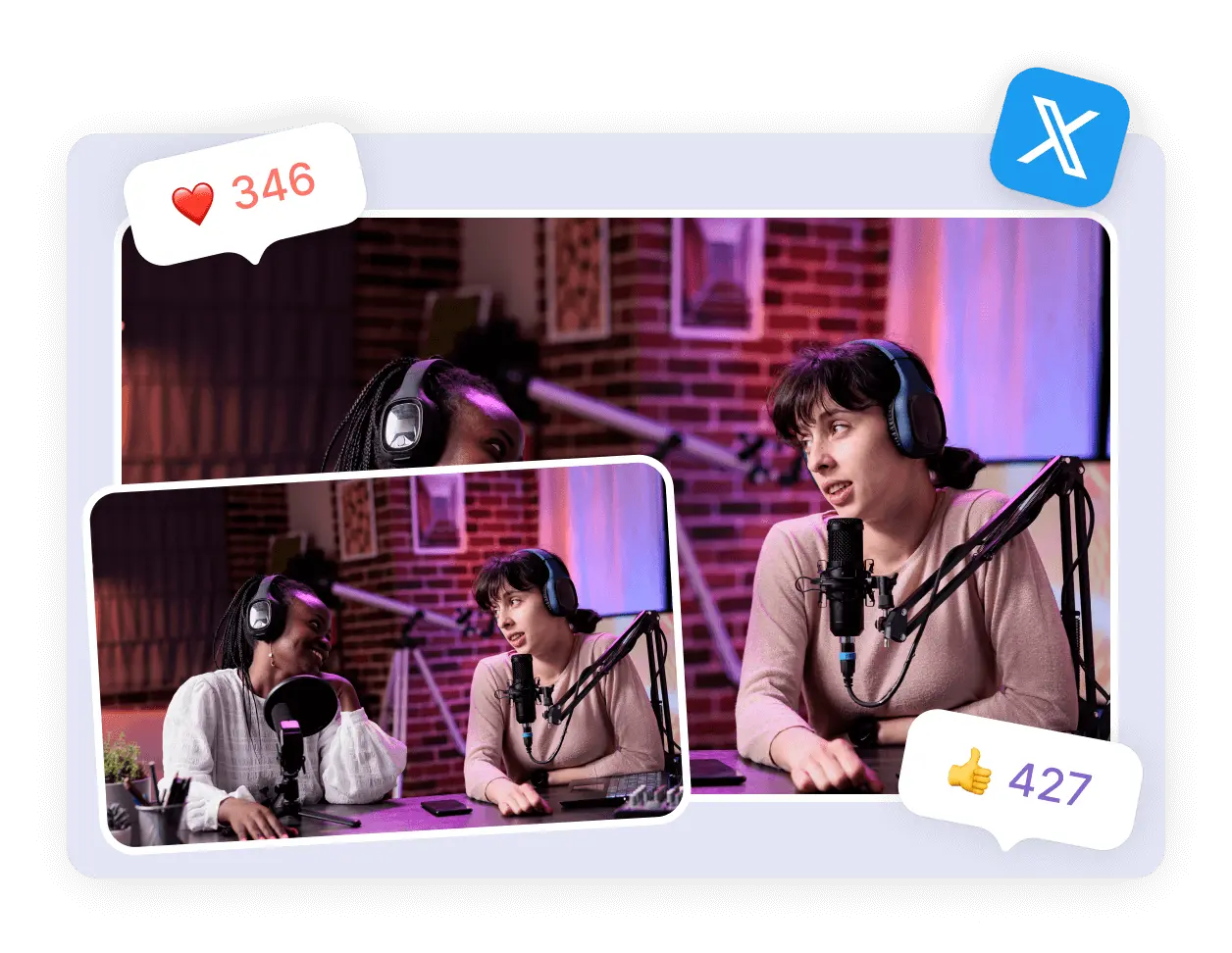
Yes. Video combines motion, sound and emotion. Audiences stop scrolling. They engage. They remember. Twitter Video Tool dramatically increases visibility and shareability.