Sample

Fully Customizable

Video Highlights
Source Image2 max · 10MB each
Aspect Ratio
Unlimited Plan

Create more premium AI videos with commercial usage and priority processing.

View Plans
Public Visibility

Allow other users to view your generated result.

Copy Protection

Hide your prompt and uploaded source files from other users.

Generate Result

My Creations →

Waiting for Results

Complete the required inputs and click Generate.

AI Video Tool

Unlock the Power of AI to Create Engaging Video Highlights

Elevate your video strategy with the AI-powered Video Highlights tool. Transform long videos into short, impactful clips in just minutes. Whether you're a content creator, marketer, or educator, this tool helps you effortlessly convert lengthy footage into shareable, high-impact content, saving time and boosting your content output across social platforms.

Try Video Highlights Now

Efficiently Generate Video Highlights to Streamline Your Workflow

With the AI-powered Video Highlights tool, effortlessly extract the most exciting moments from your videos. AI scanning and automatic clipping streamline your workflow, making it ideal for all types of video projects. Quickly transform lengthy footage into shareable highlights with minimal effort.

Save Time on Editing and Boost Creative Efficiency

Save Time on Editing and Boost Creative Efficiency

From auto-generated captions to customizable aspect ratios and personalized voiceovers, you can tailor every video highlight to your brand’s style and goals. Video Highlights ensures each clip aligns perfectly with your creative vision and brand identity.
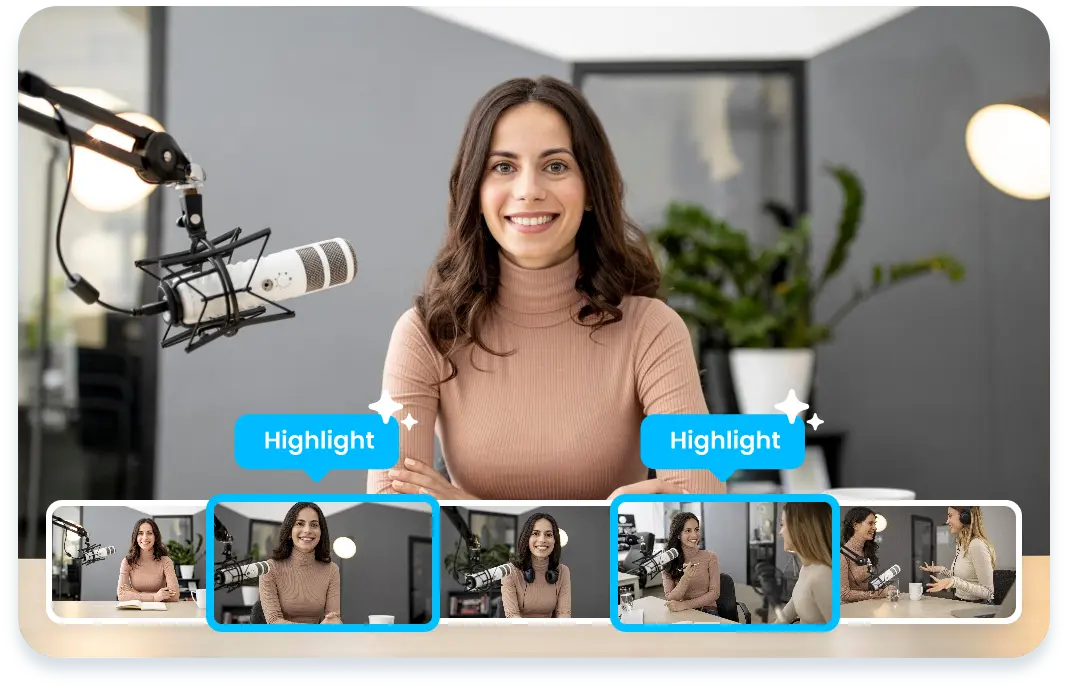
Increase Social Media Exposure with Quick Sharing

Increase Social Media Exposure with Quick Sharing

AI Fruit Video

Fully Customizable to Meet Creative Needs

Fully Customizable to Meet Creative Needs

Out Of Frame

Automate Your Video Workflow and Save Time with Video Highlights

Take your video creation to the next level with AI-driven editing features. The Video Highlights tool is perfect for quickly converting long-form content into concise, shareable clips, helping you scale content production efficiently.

Automate Repetitive Tasks and Boost Efficiency

Take your video creation to the next level with AI-driven editing features. The Video Highlights tool is perfect for quickly converting long-form content into concise, shareable clips, helping you scale content production efficiently.

Generate Multiple High-Quality Video Highlights

Take your video creation to the next level with AI-driven editing features. The Video Highlights tool is perfect for quickly converting long-form content into concise, shareable clips, helping you scale content production efficiently.

Ensure Brand Consistency with Easy Customization

Take your video creation to the next level with AI-driven editing features. The Video Highlights tool is perfect for quickly converting long-form content into concise, shareable clips, helping you scale content production efficiently.

Why Use Video Highlights on China Video AI

Powered by advanced AI technology, China Video AI streamlines your content creation process, addressing common video editing pain points, and offering unique features that set it apart from other tools. With China Video AI, you can enhance your productivity and efficiency, making video editing faster and more intuitive.

Boost Productivity and Save Time

Boost Productivity and Save Time

China Video AI AI-driven Video Highlights tool simplifies the editing process by automatically identifying and extracting key moments. This reduces the time spent on manual editing, allowing you to focus more on the creative aspects of your content. Save hours of editing and accomplish more in less time.

Easily Turn Long Content into Shareable Clips

Easily Turn Long Content into Shareable Clips

Unlike traditional editors, China Video AI lets you generate multiple high-quality clips from a single video. Whether it’s for social media, marketing, or any other purpose, you can create Video Highlights quickly and easily without the need for complex editing tools.

Privacy Protection

Privacy Protection

China Video AI values your privacy and ensures that all videos uploaded and processed are kept strictly confidential. Our platform uses the latest security technologies to ensure that your video content is fully protected from leaks or unauthorized access.

Seamlessly Adapt Content for Multi-Platform Sharing

Seamlessly Adapt Content for Multi-Platform Sharing

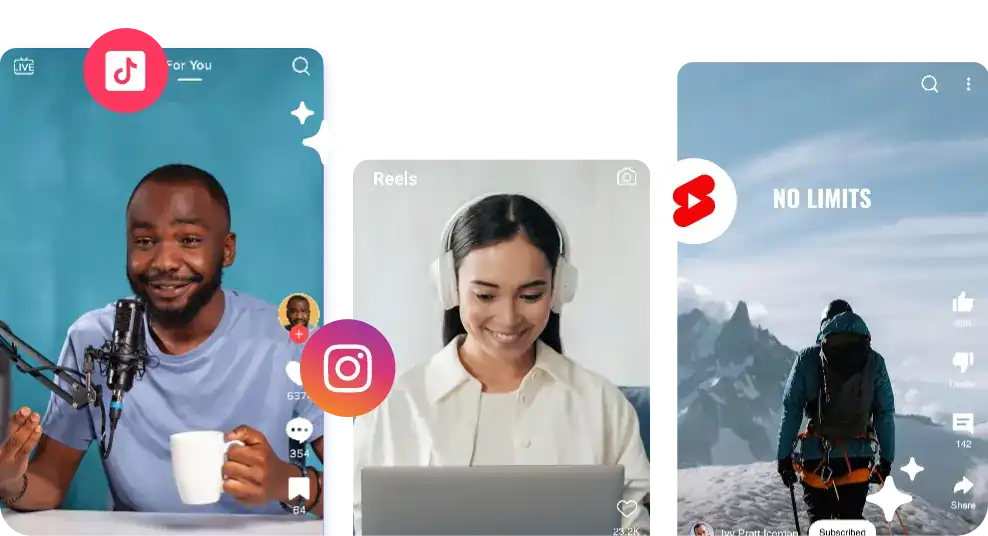
Optimizing videos for various platforms is easy with China Video AI. The Video Highlights tool automatically adjusts video dimensions for platforms like Instagram, TikTok, and YouTube, so you can quickly publish your highlights without manual adjustments.

Master the Tips for Using Video Highlights

To unlock the full potential of Video Highlights, here are some expert tips to help you effectively utilize your video content and share it across major social platforms, boosting exposure and engagement.

Avatar

Focus on Key Moments

Ensure your videos have clear structure and engaging moments. This allows Video Highlights’ AI to identify and extract the most impactful segments, saving editing time and helping your clips grab attention quickly.

Avatar

Emphasize Visual Style and Creativity

Enhance the appeal of your video highlights by adjusting visual effects, music, or color filters. Use built-in tools to optimize each clip's visual presentation, aligning it with your creative vision and brand style.

Avatar

Customizable Subtitles

Leverage automatically generated subtitles to improve accessibility and boost user interaction. Ensure the subtitles are clear and readable, and adjust their color, size, and font style to match your brand identity.

Avatar

Multi-Platform Editing

Quickly adjust the size and aspect ratio of clips for perfect fit on Instagram, TikTok, YouTube, and more. With Video Highlights, formatting videos for multiple platforms is simple and seamless.

Avatar

Experiment with Different Clip Lengths

Audience preferences vary across platforms, so experimenting with different clip lengths is key. Test shorter clips for TikTok and Instagram, while creating longer, more detailed segments for YouTube and Facebook.

Avatar

Fine-Tune Videos with Built-in Editing Tools

While AI generates your video highlights, you can still refine each clip using powerful editing tools to ensure they align with your creative vision. Fine-tune audio, add transitions, adjust tone, or modify playback speed to create a more visually compelling experience.

Showcase What’s Possible with Video Highlights

Step into a gallery of real creations powered by Video Highlights. From content creators to brands and educators, these examples show how long-form videos evolve into high-impact, share-ready moments that drive attention, engagement, and lasting value across platforms.

YouTube Shorts Creators

YouTube Shorts Creators

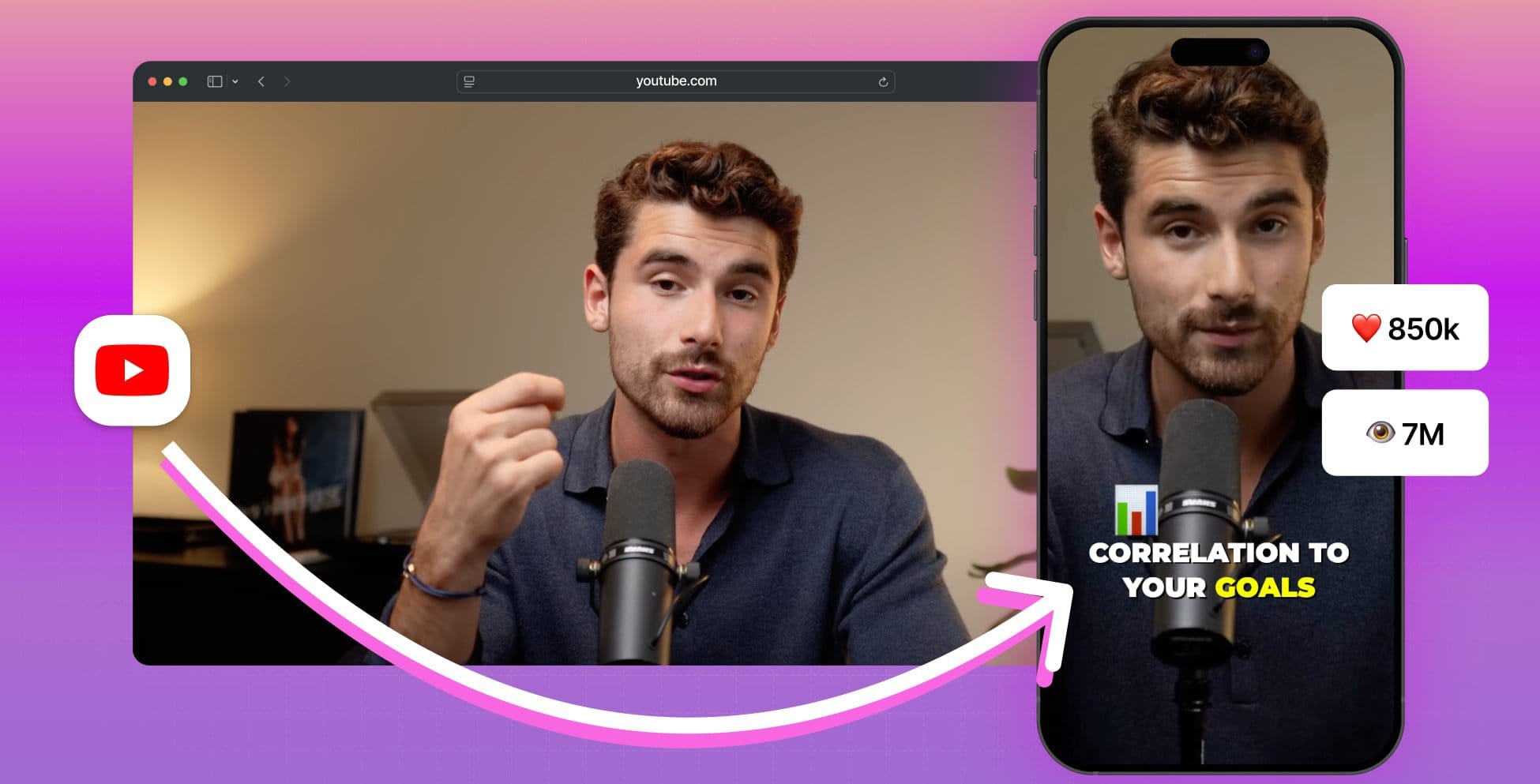
Long videos don’t have to disappear after publishing. Many YouTubers use Video Highlights to surface the most engaging moments from their content and turn them into fast-paced Shorts. The result is a steady stream of scroll-worthy clips that extend video lifespan, attract new viewers, and keep channels consistently active.

Brand Event Recaps

Brand Event Recaps

Webinars, live streams, and product launches often hold powerful moments that deserve more reach. With Video Highlights, brands transform hours of footage into clean, focused recap clips that capture energy, key messages, and standout reactions. These highlights help campaigns live on well beyond the event itself.

Social Clips That Spark Engagement

Social Clips That Spark Engagement

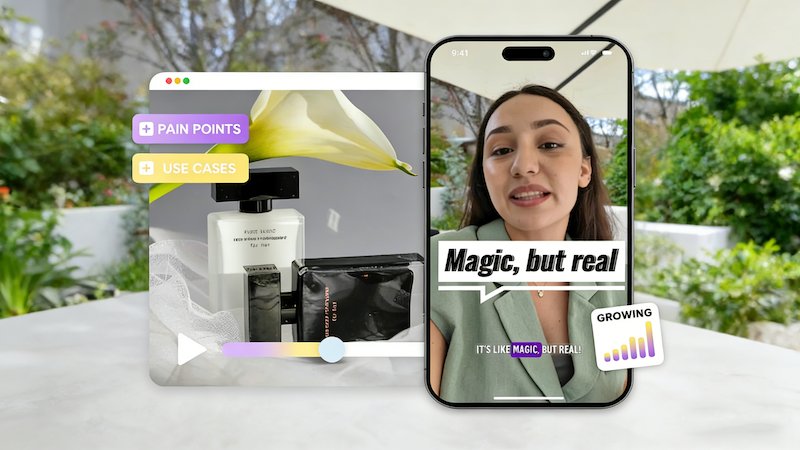
Strong visuals and clear storytelling are at the core of successful social content. Creators and social teams rely on Video Highlights to reshape existing videos into punchy clips built for Instagram Reels and TikTok. These short-form highlights support frequent posting, stronger engagement, and a recognizable content rhythm.

Sports Video Highlights

Sports Video Highlights

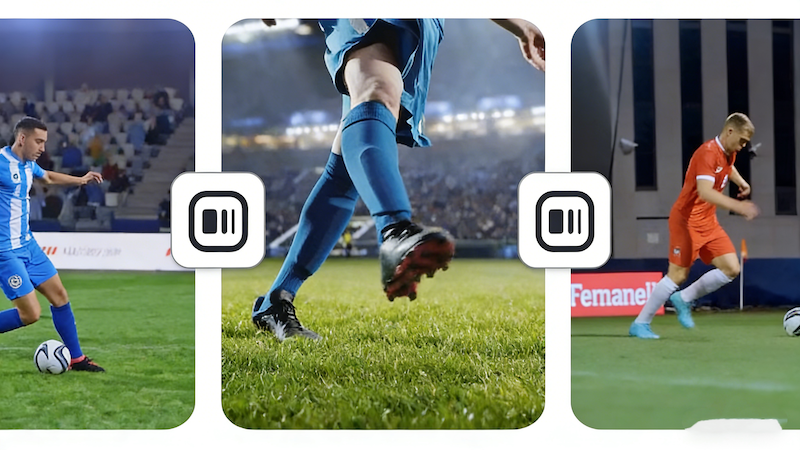
Sports events are filled with adrenaline-pumping moments that fans love to revisit. With Video Highlights, teams and sports creators can easily capture the best plays, dramatic moments, and key highlights from long matches, turning them into shareable clips that engage fans and boost social media presence.

How to Create Video Highlights in Three Simple Steps

Creating engaging clips with Video Highlights is designed to feel clear and effortless from start to finish. With a straightforward workflow, you can confidently turn your footage into polished, share-ready highlights—no complex setup, no guesswork, just a smooth path from upload to export.

01

Upload Your Video

Add your video file directly to bring your content into the editor in seconds. Video Highlights is designed to handle long-form footage smoothly, so you can start without extra preparation.

02

Generate AI Highlights

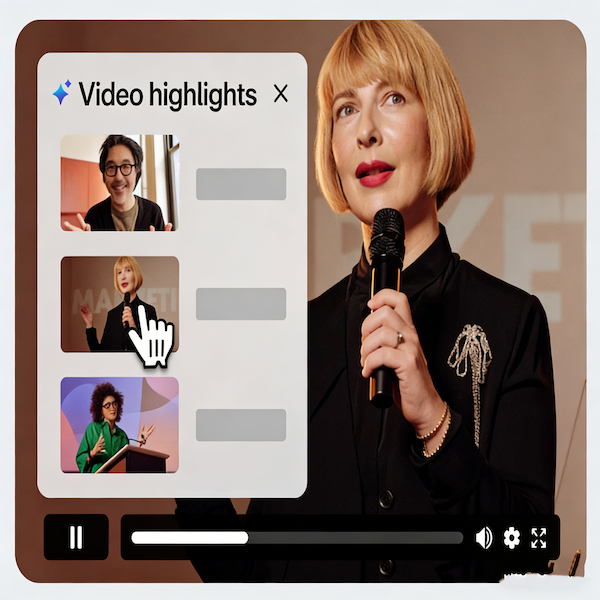
Once uploaded, Video Highlights automatically analyzes your video and identifies the moments that matter most. Key segments are surfaced for you, making it easy to preview and select highlights without scanning the footage manually.

03

Refine and Export

Make final adjustments to your highlights, then export ready-to-share clips optimized for social platforms. With Video Highlights, your content moves quickly from raw footage to finished videos that are easy to publish and reuse across channels.

Frequently Asked Questions About Video Highlights

Find clear answers to common questions about Video Highlights. This section is designed to help you feel confident using the tool, understand how it works, and make the most of AI-powered video highlights in your creative workflow.

What is Video Highlights?

Video Highlights analyzes both visual cues and spoken content to surface important moments. This balanced approach helps ensure highlights feel natural, relevant, and engaging for viewers.

How does Video Highlights help reduce content fatigue?

Video Highlights analyzes your video and identifies key moments in just a few minutes. This fast, automated process helps you move from raw footage to ready-to-share clips without slowing down your content production.

Does Video Highlights rely on audio or visuals to find key moments?

Yes. Once Video Highlights creates your clips, you can fine-tune them in the editor. Adjust timing, refine visuals, or make small tweaks to ensure each highlight feels polished and aligned with your content goals.

How long does it take to generate video highlights with AI?

By turning one long video into multiple ready-to-share clips, Video Highlights helps creators stay consistent across platforms without needing to constantly produce new footage.

Can I edit my video highlights after they’re generated?

Not at all. Video Highlights is designed to be intuitive and beginner-friendly, while still offering enough flexibility for experienced creators to fine-tune their results.

Can Video Highlights help maintain a consistent posting schedule?

Yes. Many educators, trainers, and professionals use Video Highlights to break complex topics into shorter, focused clips that are easier to watch, understand, and share.

Do I need advanced editing skills to use Video Highlights?

You can work with a wide range of video files, making it easy to turn existing content into highlights without extra conversions.

Can Video Highlights be used for educational or professional content?

No. Video Highlights preserves the original video quality, ensuring your clips look clean, sharp, and professional when published.

Experience Video Highlights Today and Elevate Your Content Creation

Ready to create more with less effort? Start using Video Highlights and turn long-form videos into polished, share-ready clips in just a few steps. Bring your best moments forward, keep your content flowing across platforms, and grow your presence with highlights designed to capture attention and make an impact.

Experience Video Highlights Today and Elevate Your Content Creation