Multi‑Input Modes
Body Editor
Custom Style
Create more premium AI videos with commercial usage and priority processing.
Allow other users to view your generated result.
Hide your prompt and uploaded source files from other users.
Waiting for Results
Complete the required inputs and click Generate.
AI Image Tool
The AI Signature Generator makes it possible for freelancers, entrepreneurs, artists, or simply individuals who value consistency and professionalism. In short, with the AI Signature Generator, your signature becomes an extension of your brand—and your digital presence becomes sharper.
Try AI Signature Generator NowThe AI Signature Generator is packed with features designed to give you control, customization, and polish. Below are the three major feature areas, each leveraging the power of the AI Signature Generator to elevate your signature‑creation workflow.
Body Editor
Spiderman AI
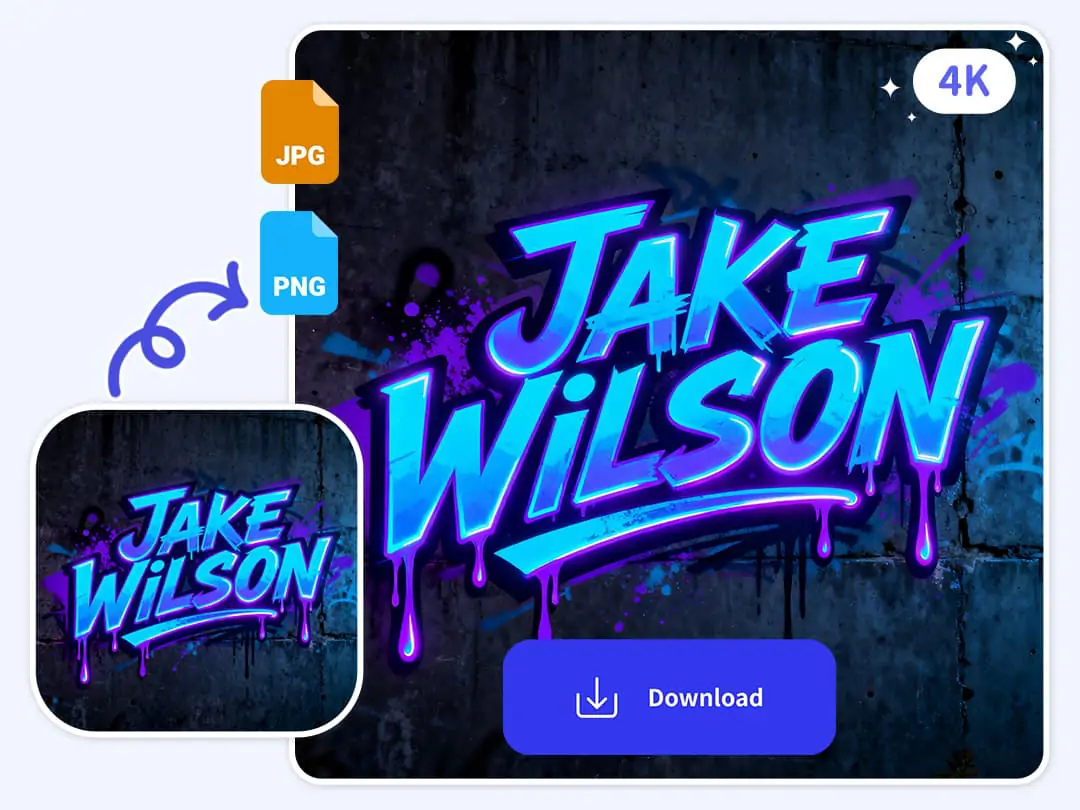
Can Display
More AI Image Tool
The AI Signature Generator isn’t just about replacing a scrawled pen‑mark. It’s about turning your signature into a meaningful extension of your identity—online and offline.
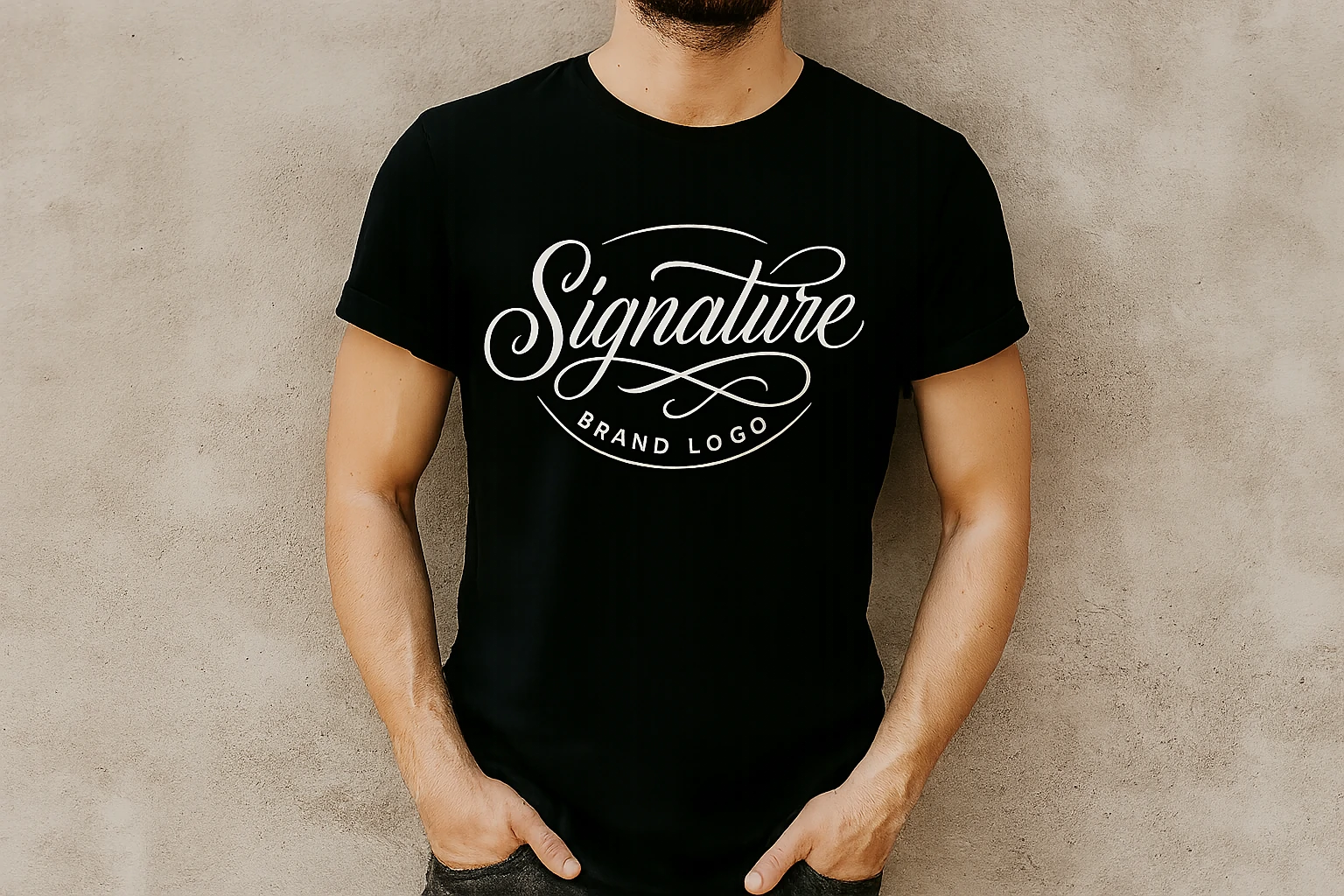
The AI Signature Generator isn’t just about replacing a scrawled pen‑mark. It’s about turning your signature into a meaningful extension of your identity—online and offline.
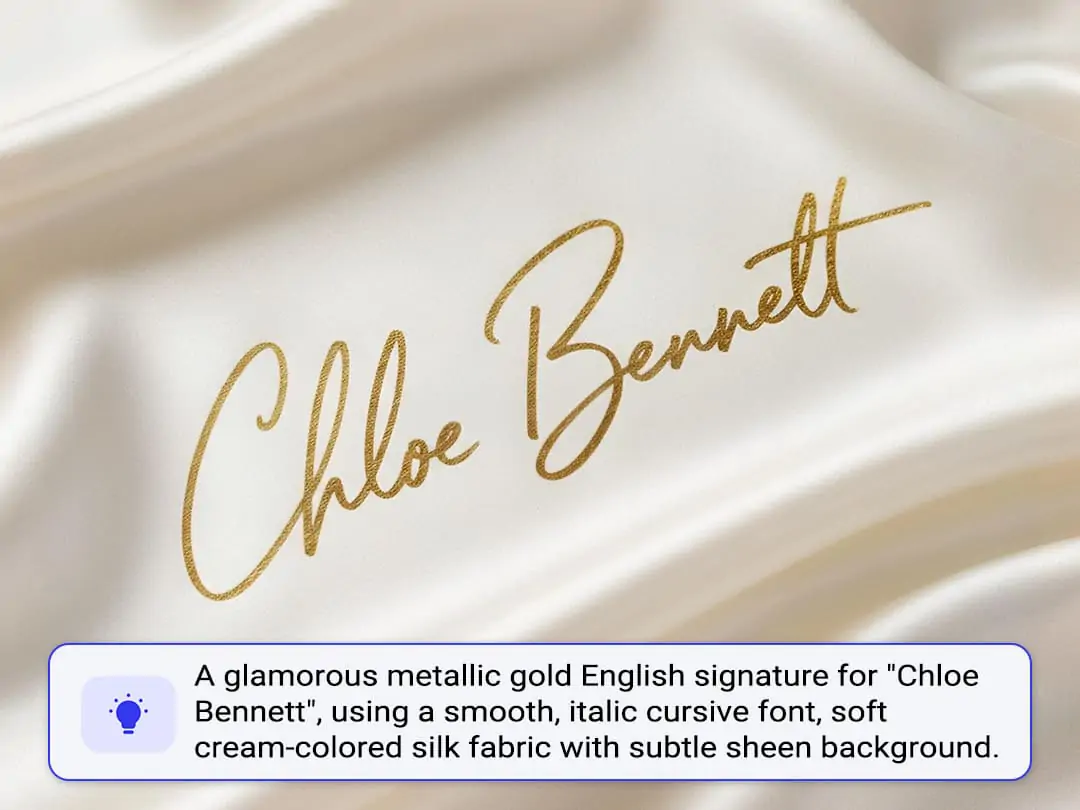
The AI Signature Generator isn’t just about replacing a scrawled pen‑mark. It’s about turning your signature into a meaningful extension of your identity—online and offline.
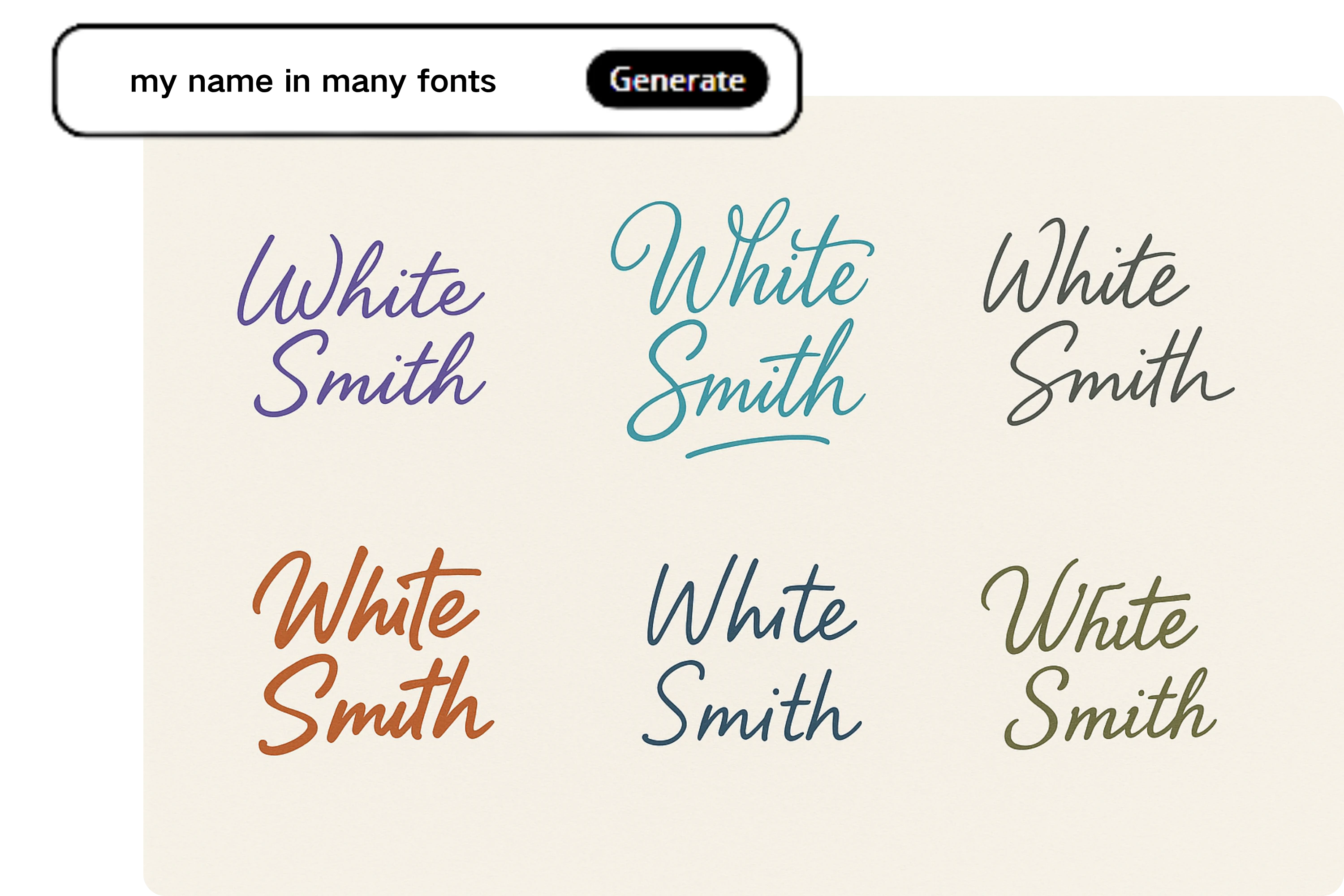
The AI Signature Generator isn’t just about replacing a scrawled pen‑mark. It’s about turning your signature into a meaningful extension of your identity—online and offline.
The AI Signature Generator is more than a tool—it’s a creative enabler, allowing you to integrate a consistent signature style into your workflows and identity.

Embed a signature designed via the AI Signature Generator in quotes, invoices, or deliverables to elevate credibility and trustworthiness. This personalized signature not only reinforces your professional image but also ensures clients instantly recognize your work, leaving a lasting impression that sets you apart in competitive freelance markets.
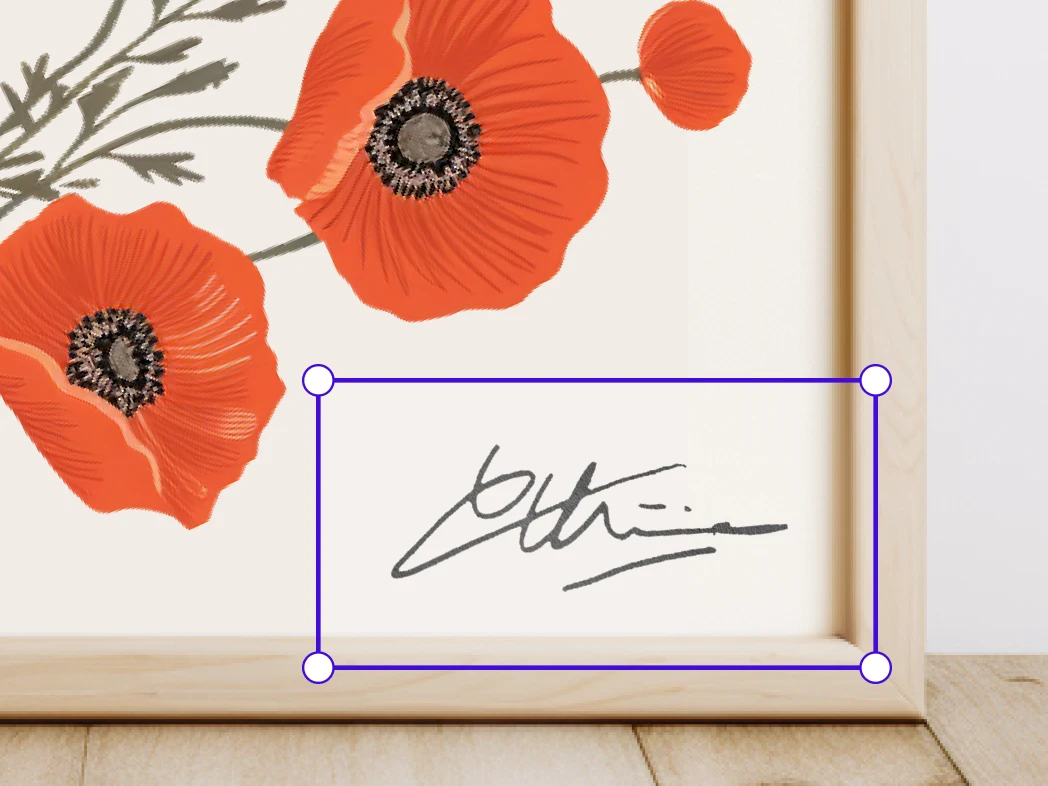
Add a signature created by the AI Signature Generator as a watermark, signing mark, or logo on digital artworks, prints, or photo portfolios. This unique signature enhances the authenticity of your creations, protects your intellectual property, and strengthens your artistic brand identity across galleries, online platforms, and client presentations.
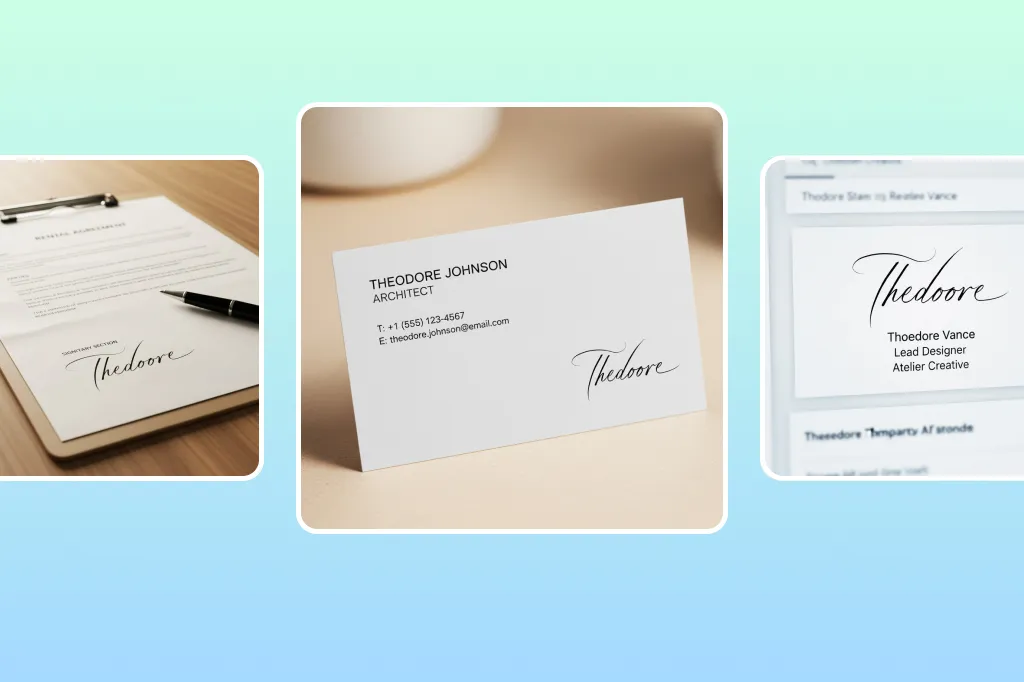
Equip your team with uniform signatures crafted via the AI Signature Generator, ensuring brand professionalism across all email communications. A consistent signature across employees projects trust, establishes brand coherence, and reinforces your company’s image in every external and internal correspondence with clients, partners, and stakeholders.
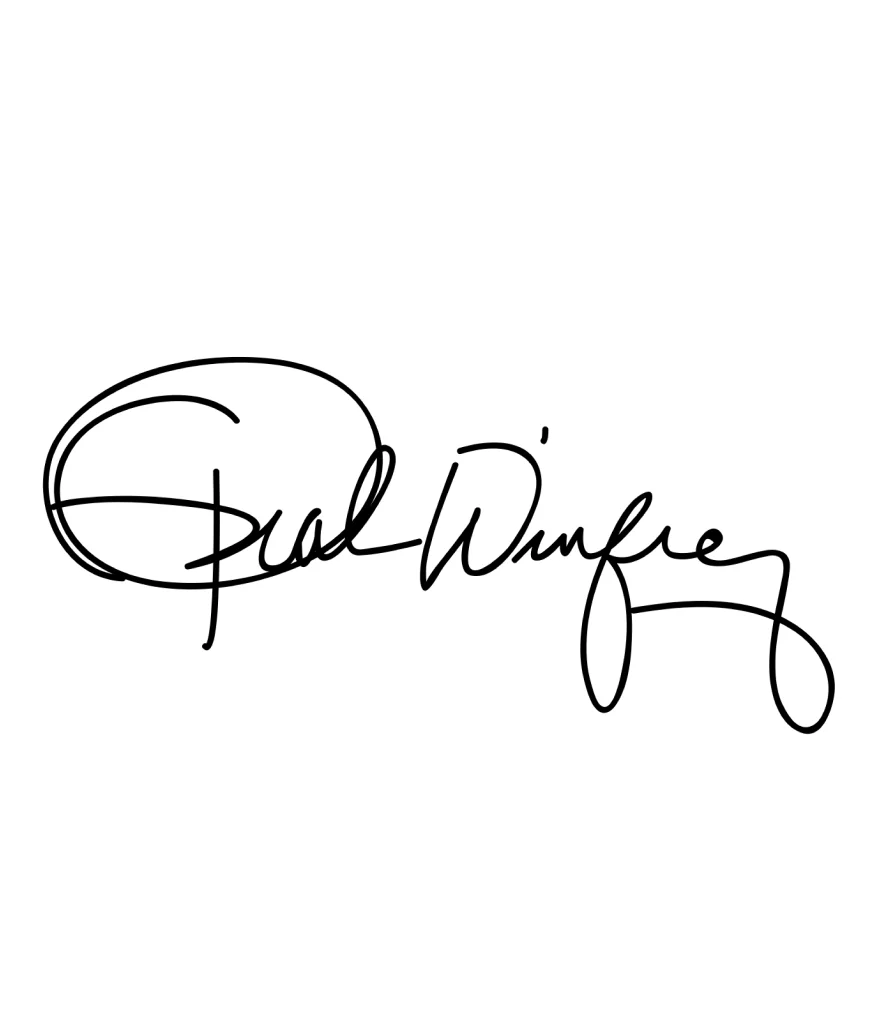
On digital course certificates or eBook covers, a signature generated by the AI Signature Generator can add a personal, branded touch. This professional signature conveys authenticity, builds credibility with learners or readers, and creates a visually appealing, consistent brand presence that enhances engagement and perceived value of your digital content.
In an era where digital representation matters more than ever, the AI Signature Generator stands out. Consider the following benefits:

Generate your signature once with the AI Signature Generator and reuse it digitally, saving time on printing, signing, and scanning.

The AI Signature Generator creates polished, consistent signatures that enhance your professional image and brand credibility.

Tailor style, stroke, color, and flow to craft a signature with the AI Signature Generator that reflects your personality or brand.
Use the AI Signature Generator to produce PNG, SVG, and PDF signatures for emails, contracts, websites, and social media.
Your data stays safe with the AI Signature Generator, ensuring secure processing and confidential handling of your signatures.
The AI Signature Generator adapts to mobile, digital, and paperless workflows, preparing you for efficient modern operations.
Here are several real-world applications of the AI Signature Generator, showing how it integrates into diverse use cases and industries.
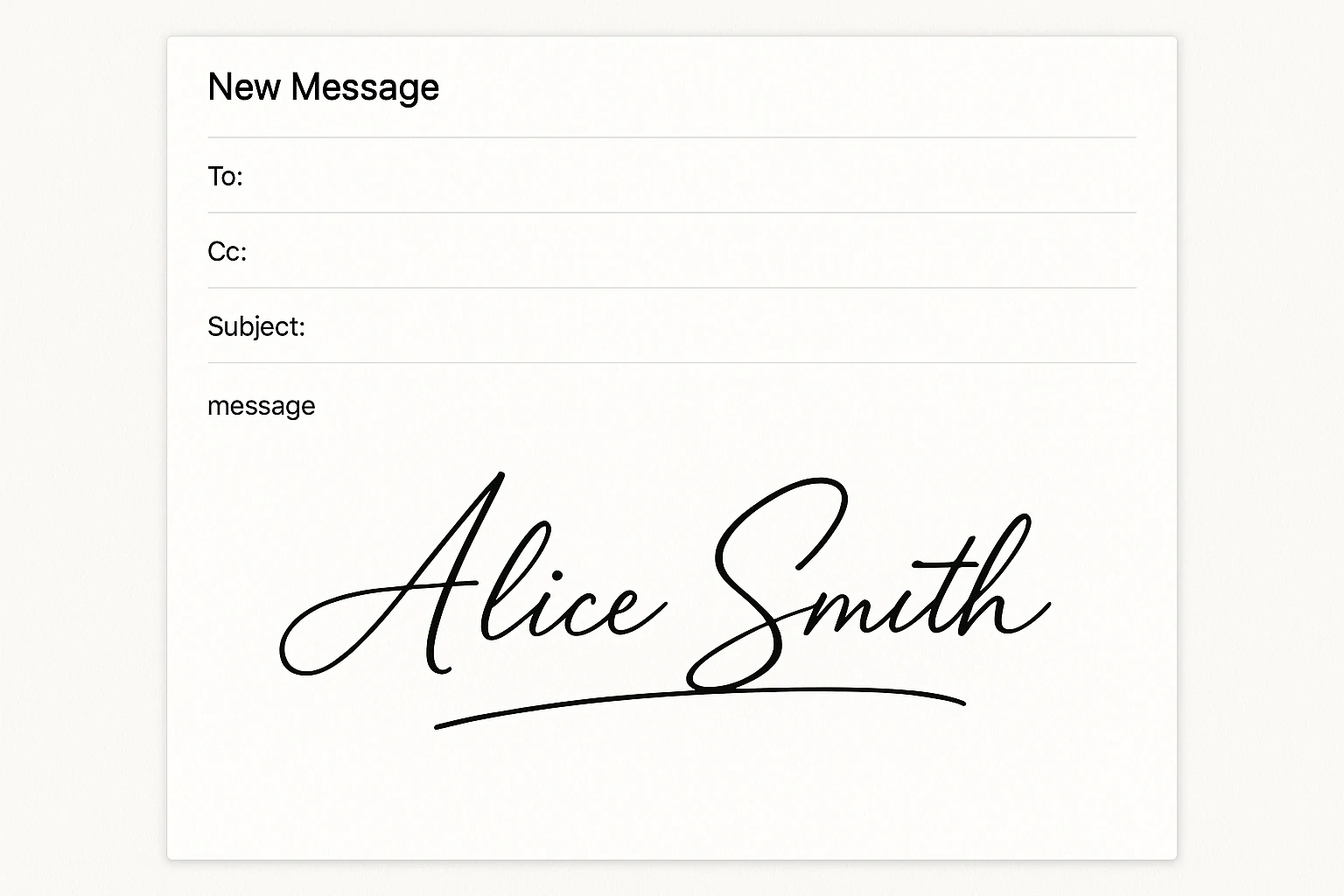
Insert a signature created by the AI Signature Generator at the footer of your email. It elevates your professional correspondence, making every email look intentional and branded.
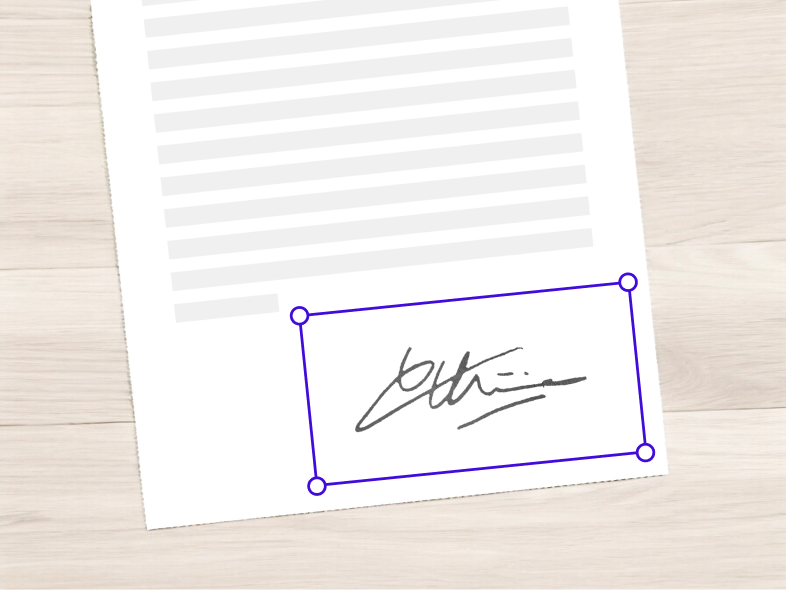
Instead of scanning a physical signature, use the file from the AI Signature Generator to sign PDF and Word documents digitally. The AI Signature Generator ensures high-quality output suitable for formal communication, saving time and enhancing professionalism.
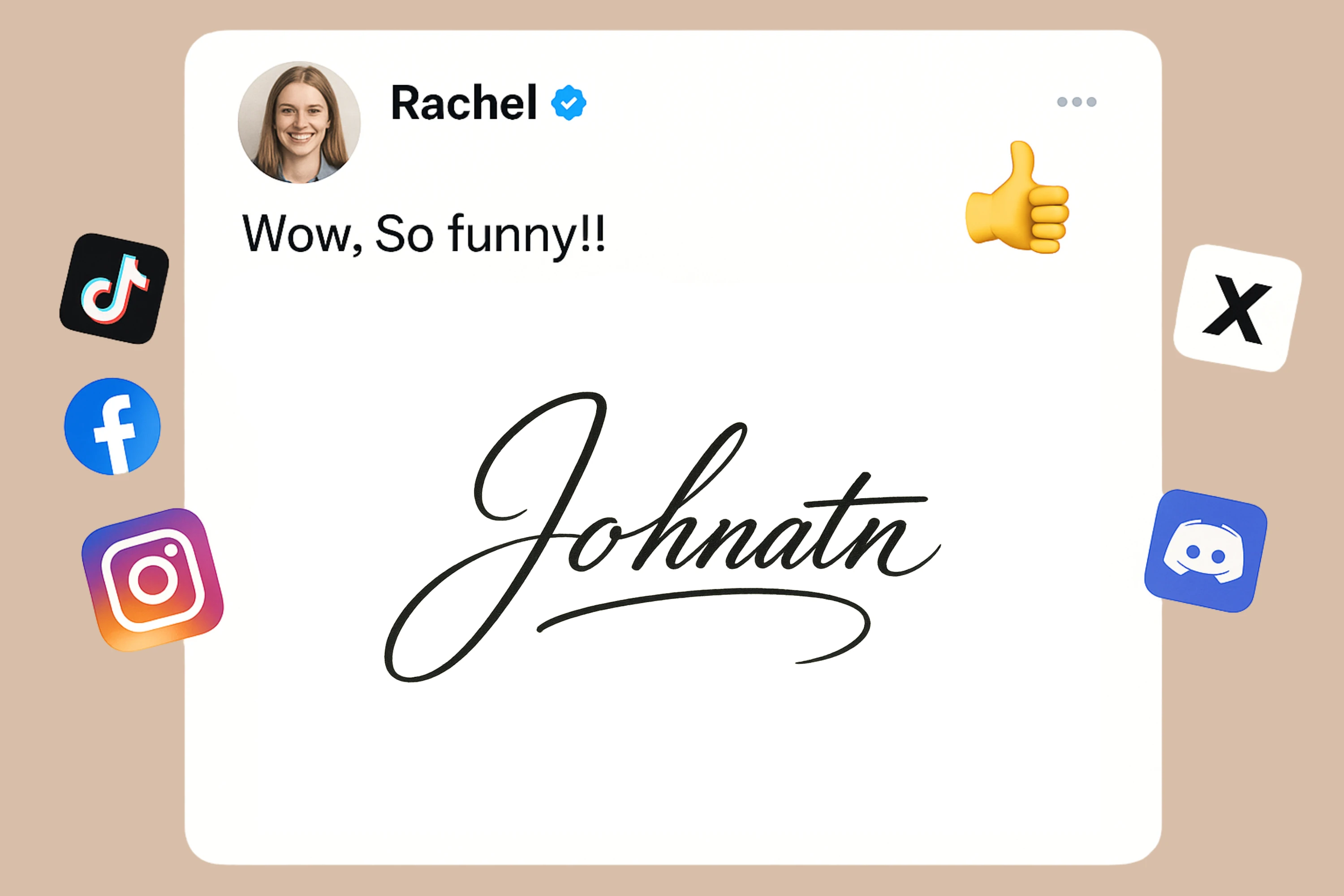
Artists and photographers can use a signature made via the AI Signature Generator as a watermark, signing mark, or logo replacement on digital works, prints, portfolios, or social media shares. With the AI Signature Generator, every piece can carry a personalized, authentic touch.
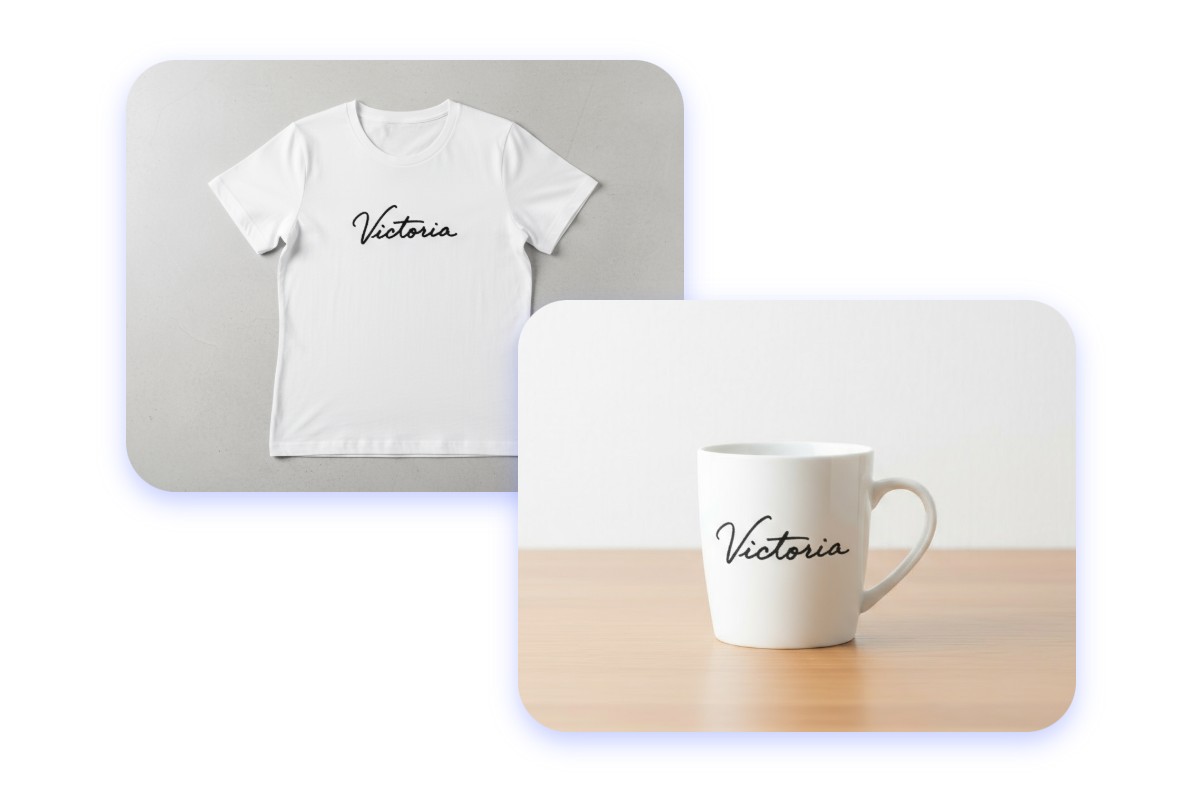
A signature generated by the AI Signature Generator can also be part of brand assets—a logo substitute, watermark, or unique identifier on company documents. This helps maintain a cohesive visual identity across all touchpoints, from client reports to marketing collateral, with the AI Signature Generator providing professional and consistent results.
Generating a signature with the AI Signature Generator is a breeze—and requires just three simple steps
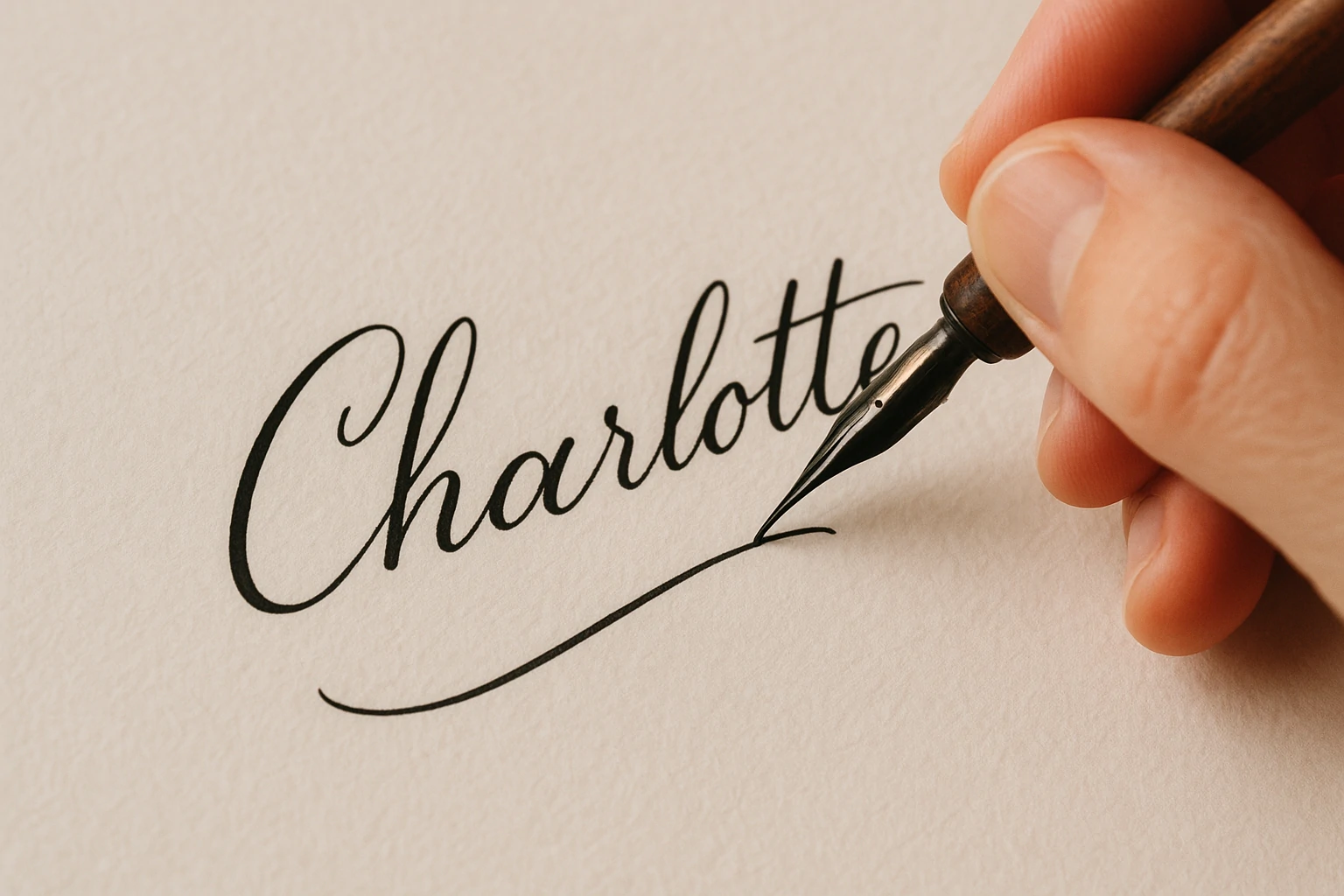
Launch the AI Signature Generator, type your full name, initials, or upload a hand‑written signature image. Multiple upload formats are supported, giving flexibility to start from scratch or digitize your existing signature style.
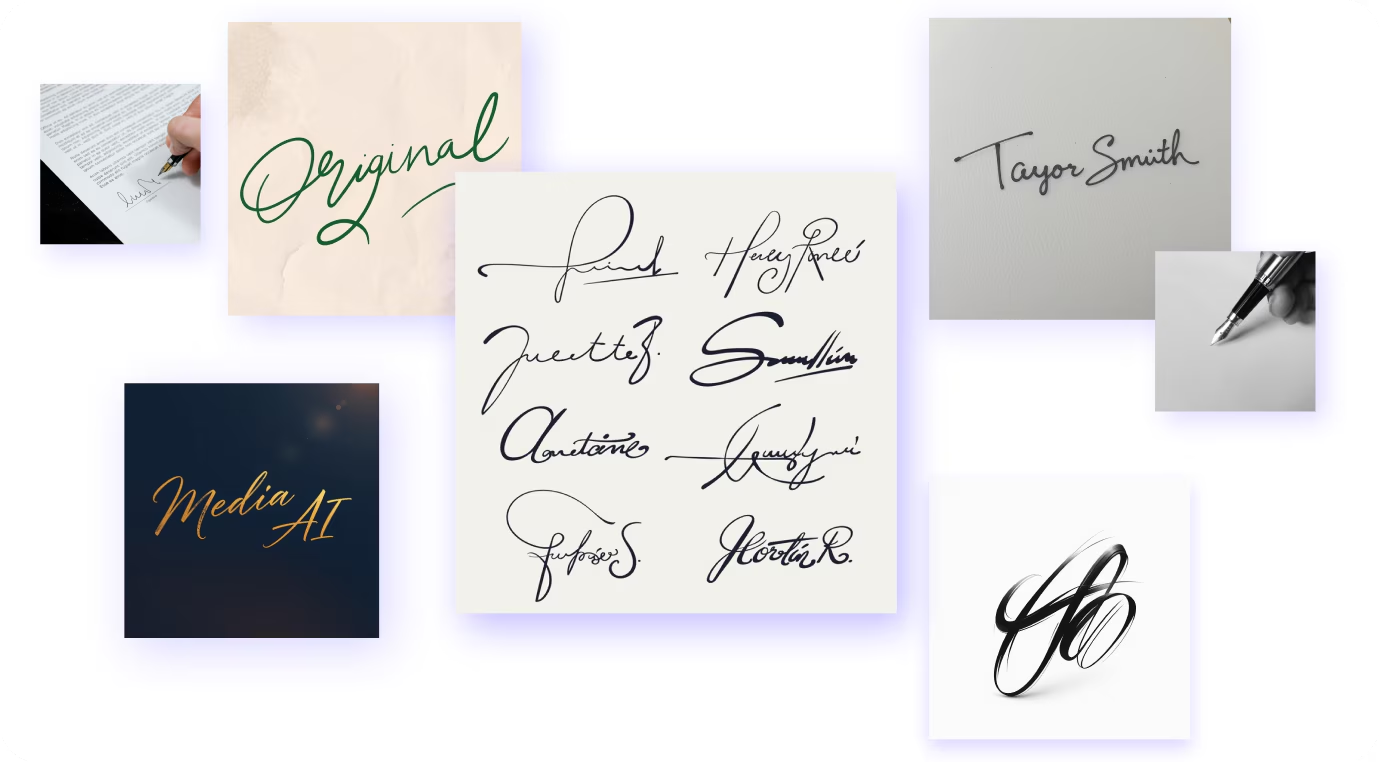
Select your preferred visual stylecursive, business, artistic, minimalist, or bold modern. Then tweak stroke thickness, slant, spacing, color, or texture to match your taste. The AI Signature Generator lets you preview variations in real-time, ensuring the signature aligns perfectly with your personal or professional brand.
Click generate in the AI Signature Generator, review the options, and choose your favorite. Download it in PNG, SVG, or PDF format for use in documents, emails, branding assets, or design projects. By following these steps, you leverage the AI Signature Generator to create a polished, digital‑ready signature in minutes.
Here are common inquiries users have when exploring the AI Signature Generator, along with clear answers
AI Signature Generator outputs PNG, SVG, PDF, sometimes JPG, often in high resolution suitable for printing, presentations, or website embedding.
Reputable AI Signature Generator tools use encryption and privacy policies, keeping signatures and personal data secure during upload and storage.
Yes. The AI Signature Generator allows regeneration, style adjustments, or tweaks without starting over, supporting evolving branding needs.
Many AI Signature Generator tools offer free or freemium plans. Paid plans unlock higher resolution, more fonts, and advanced styling features.
Yes. The AI Signature Generator works on browsers across devices, enabling seamless use in emails, PDFs, or design platforms.
Mostly yes. AI Signature Generator signatures work digitally, though some legal or notarized documents may still require handwritten signatures.
Absolutely. AI Signature Generator outputs integrate into agreements, emails, invoices, and design files, streamlining workflows and maintaining brand consistency.
You can regenerate or recover files using AI Signature Generator cloud or backups, avoiding the need to recreate signatures from scratch.
Why wait? With the AI Signature Generator, you can generate a signature that reflects your personal or professional identity in minutes. Instead of relying on a scanned scribble, you can produce a clean, styled signature that works across email, document, branding, and creative contexts. The AI Signature Generator enables you to build a visual signature asset that looks intentional and modern.
Experience the Magic of AI Signature Generation