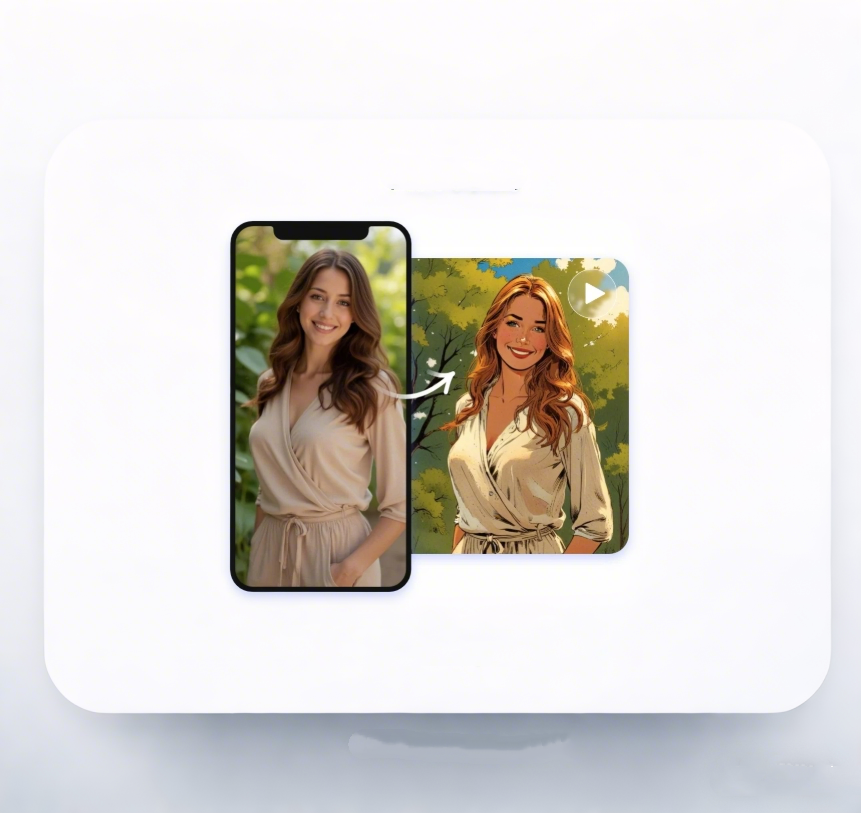
Everything You Need to Know About Video to Cartoon
Have questions about how to turn your videos into stunning cartoon animations? Explore our FAQ section to discover everything you need to know about Video to Cartoon, from video formats and output options to tips for achieving the best cartoon effects. Get clear answers and make the most of your creative journey.
Have questions about how to turn your videos into stunning cartoon animations? Explore our FAQ section to discover everything you need to know about Video to Cartoon, from video formats and output options to tips for achieving the best cartoon effects. Get clear answers and make the most of your creative journey.
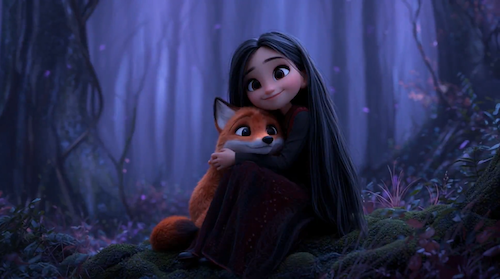
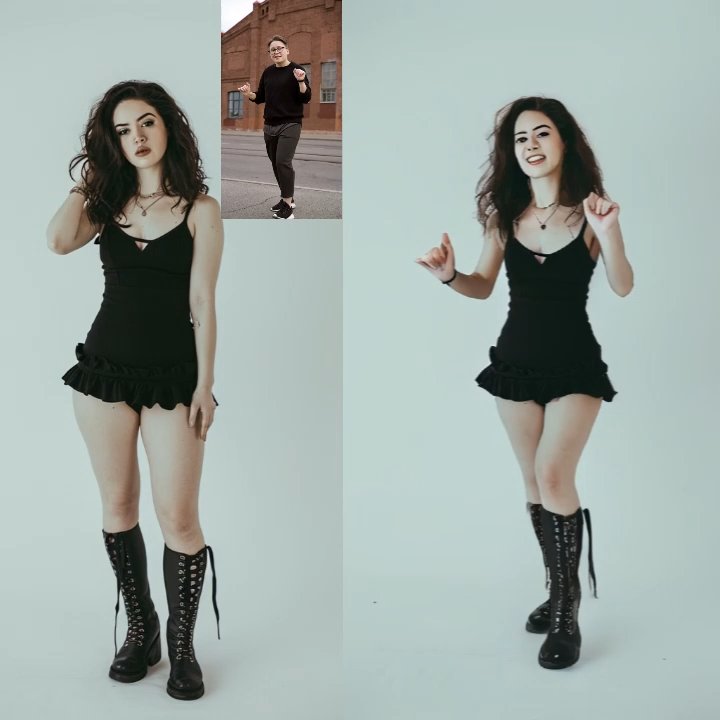
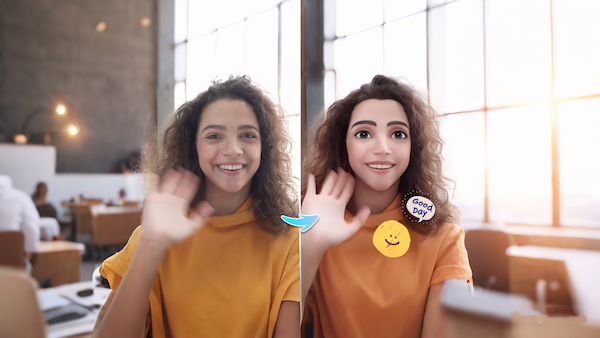
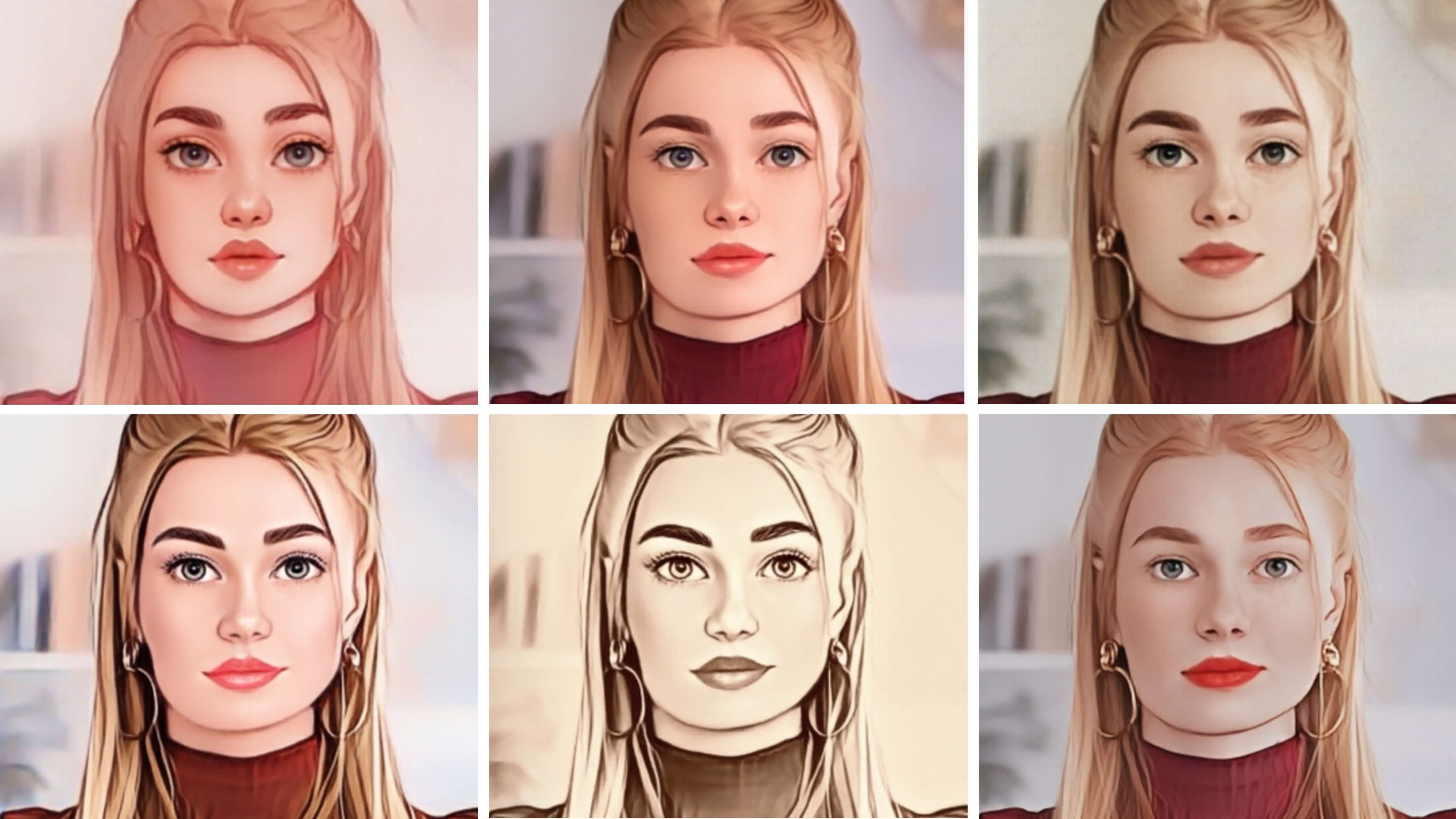
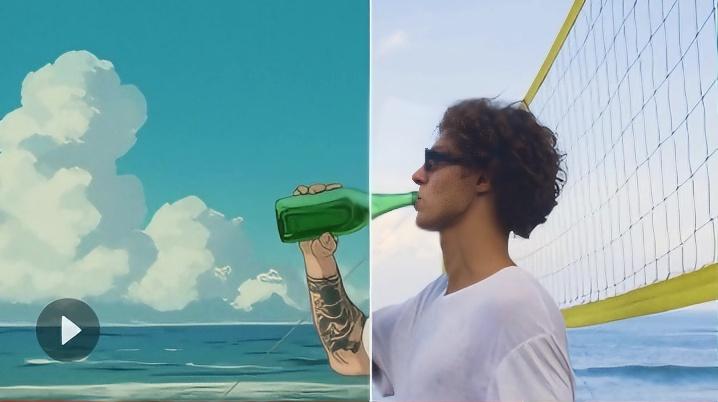
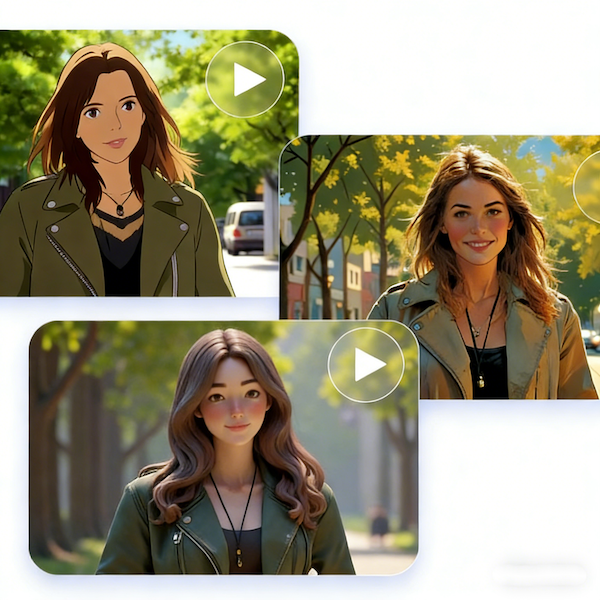
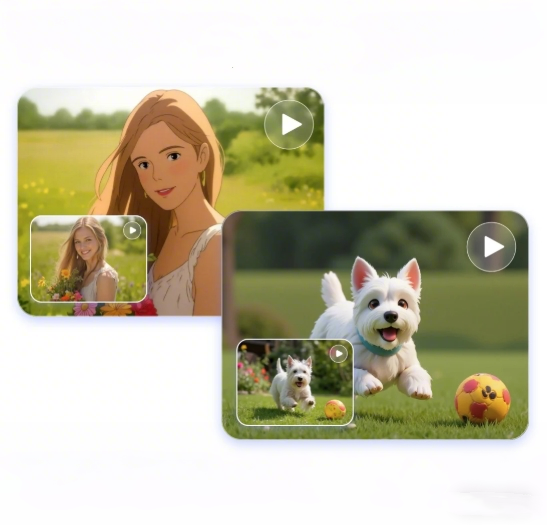
Video to Cartoon is an AI-powered creative tool that transforms ordinary videos into stunning cartoon-style animations. With Video to Cartoon, your footage comes alive with vibrant colors, smooth motion, and dynamic cartoon effects. It allows anyone to effortlessly turn real-world videos into visually engaging animated stories, making Video to Cartoon ideal for social media, content creation, and storytelling projects.
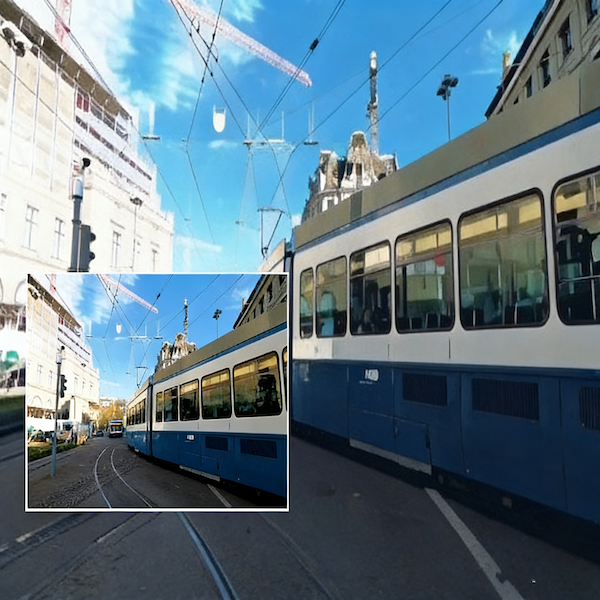
Video to Cartoon uses intelligent edge detection and frame interpolation to ensure your videos remain smooth and fluid. Every frame is rendered clearly, preserving natural movement and dynamic expression.
The tool is optimized for short videos. To achieve the best results, trim your footage according to Video to Cartoon’s recommended length and file size before uploading.
Videos created with Video to Cartoon are suitable for commercial use, including social sharing, advertising, and brand content. Easily transform your creative ideas into polished, market-ready cartoon videos.
No experience is required! Video to Cartoon features an intuitive interface, allowing anyone to create captivating cartoon videos effortlessly.
Video to Cartoon accepts popular video formats such as MP4, MOV, and AVI, allowing you to upload footage directly and start transforming your videos into stunning cartoon creations effortlessly.
Rendering time depends on video length and resolution. Short videos can be processed within minutes, while longer or high-resolution footage may take slightly longer. With Video to Cartoon, you can quickly preview effects and export high-quality cartoon videos.
Yes. Video to Cartoon keeps the original audio synchronized with the cartoon visuals, ensuring your videos maintain full impact for various scenes.
Clear and stable footage works best with Video to Cartoon. Keep subjects close to the camera, use good lighting, and avoid overly complex scenes to help the tool produce detailed, smooth, and visually engaging cartoon effects.
The tool generates high-resolution output to ensure every frame is sharp and vibrant. Depending on your source footage, videos created with Video to Cartoon are perfect for social media, portfolios, or professional editing.