Intelligent Content Understanding
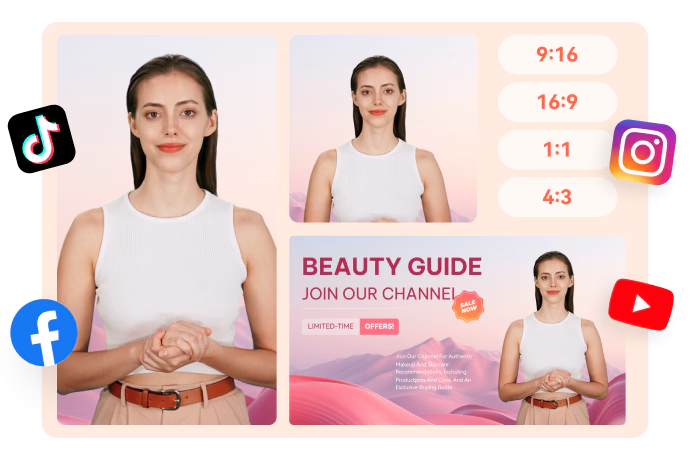
Videos generated with URL to Video are automatically optimized for social media, horizontal or vertical formats, and mobile screens — ensuring your content looks stunning everywhere it’s shared.
Intelligent Content Understanding
Create more premium AI videos with commercial usage and priority processing.
Allow other users to view your generated result.
Hide your prompt and uploaded source files from other users.
Waiting for Results
Complete the required inputs and click Generate.
AI Video Tool
With advanced AI URL to Video, simply paste a link and watch as the system automatically transforms your webpage content into an engaging, ready-to-share video — no editing skills or extra assets required. Bring your ideas to life with just one click.
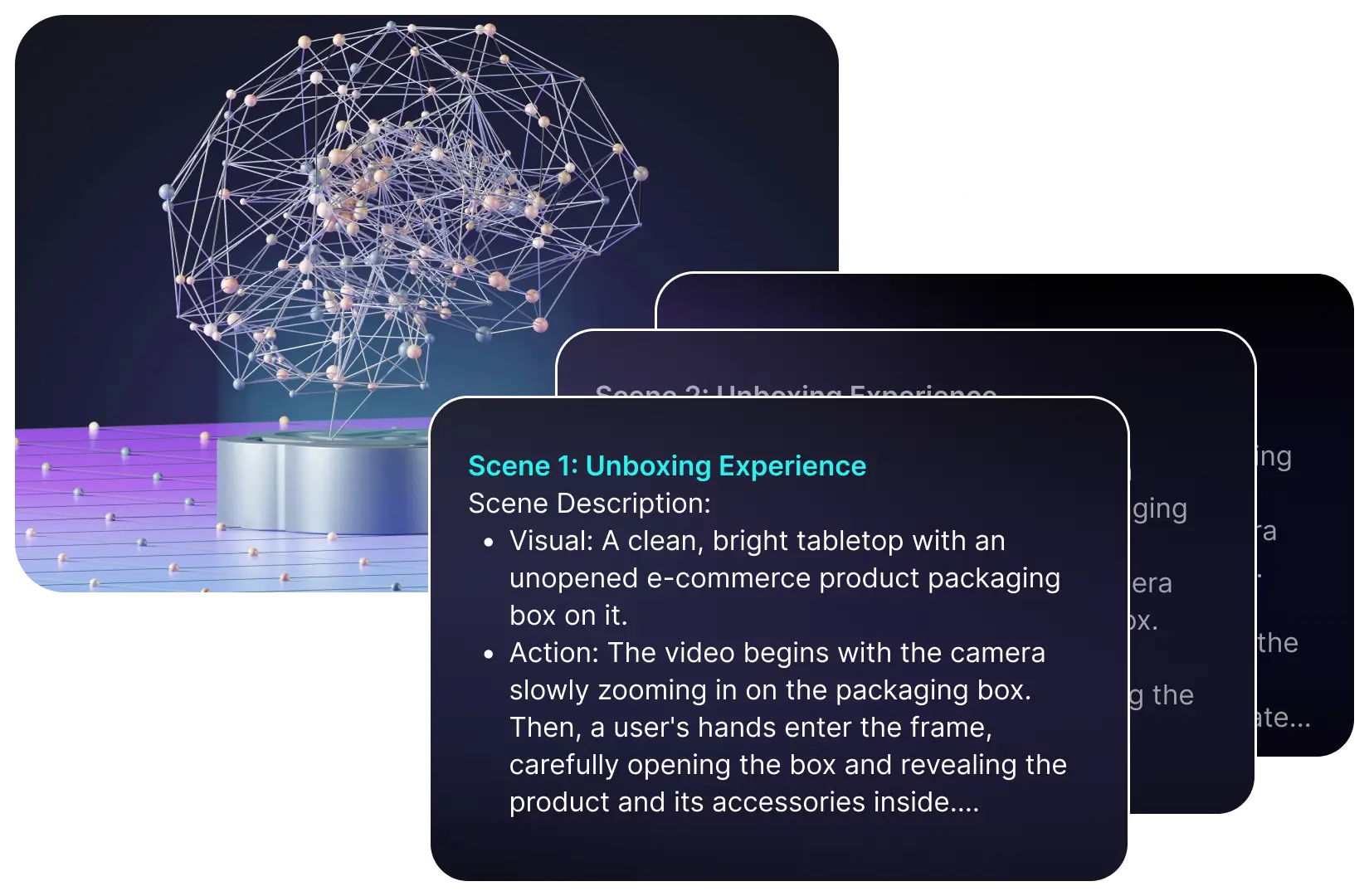
Try URL to Video NowWith URL to Video, you can leave behind tedious manual editing. AI automatically extracts key text, images, and media from any webpage, builds a structured video script, and adds intelligent voiceovers — delivering polished videos in minutes. Turn complex production into a seamless, effortless process.
Videos generated with URL to Video are automatically optimized for social media, horizontal or vertical formats, and mobile screens — ensuring your content looks stunning everywhere it’s shared.
AI Fruit Video
Out Of Frame
More AI Video Tool
Whether you’re a creator, marketer, or educator, URL to Video transforms webpages into engaging videos. Text, images, and multimedia are instantly brought to life, expanding the reach and impact of your content with vivid visuals.
Whether you’re a creator, marketer, or educator, URL to Video transforms webpages into engaging videos. Text, images, and multimedia are instantly brought to life, expanding the reach and impact of your content with vivid visuals.
Whether you’re a creator, marketer, or educator, URL to Video transforms webpages into engaging videos. Text, images, and multimedia are instantly brought to life, expanding the reach and impact of your content with vivid visuals.
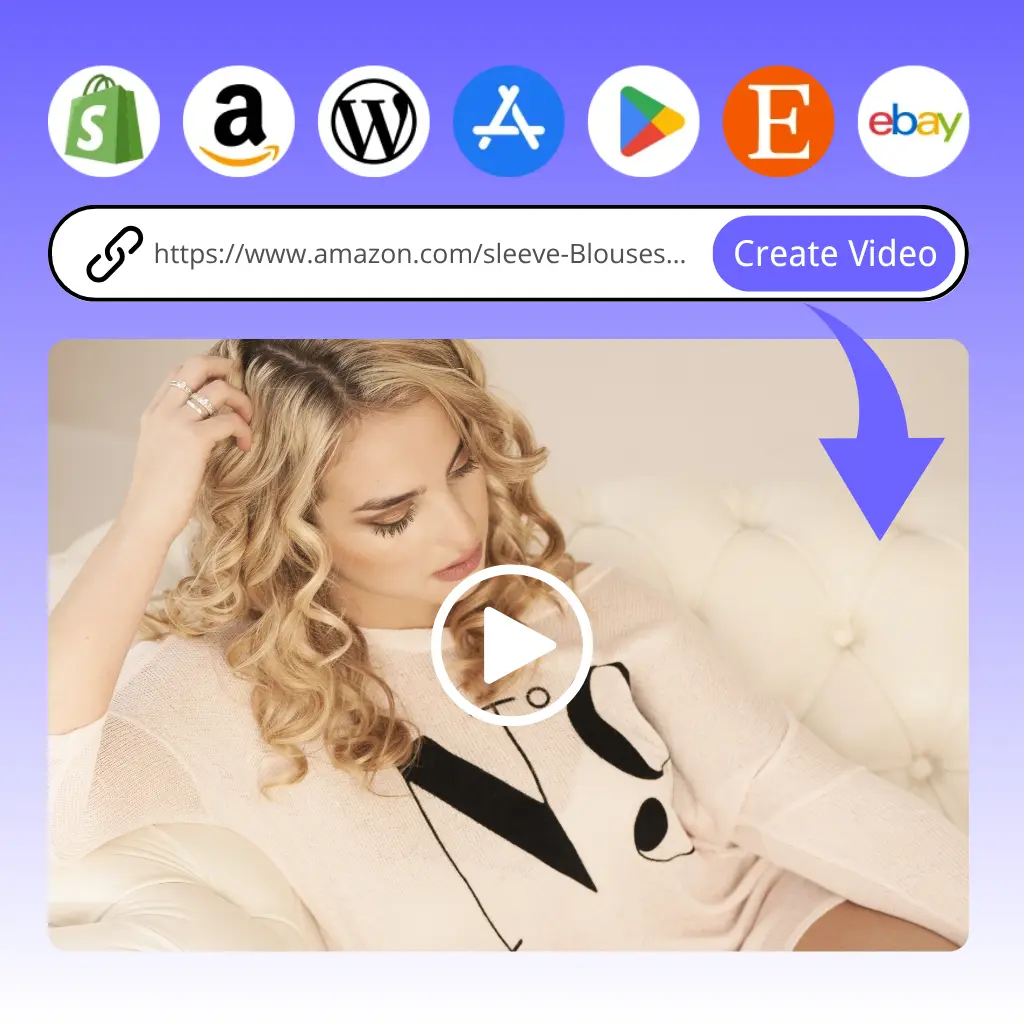
Whether you’re a creator, marketer, or educator, URL to Video transforms webpages into engaging videos. Text, images, and multimedia are instantly brought to life, expanding the reach and impact of your content with vivid visuals.
In a crowded market of video tools, URL to Video stands apart by making video creation effortless, fast, and reliable. Unlike manual editing or other AI tools, it doesn’t just automate tasks—it ensures your content’s message is clear, polished, and ready to engage your audience instantly. Discover why professionals trust URL to Video to turn webpages into compelling videos.
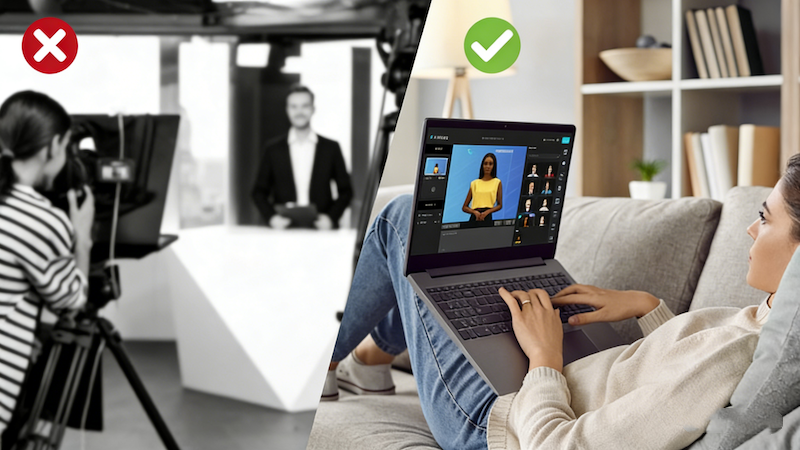
Manual video editing can be slow and tedious. With URL to Video, your webpage content is transformed into a complete video in minutes, letting you focus on ideas and storytelling instead of technical steps.
Other tools may produce videos but often miss the essence of your content. URL to Video ensures your key messages, visuals, and highlights are preserved, delivering videos that are not only polished but also meaningful and engaging.
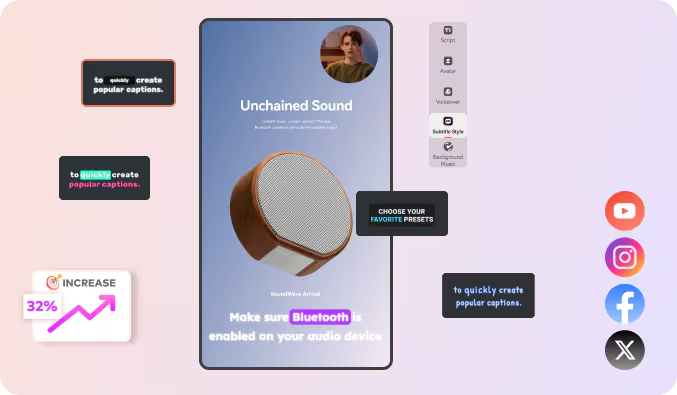
Forget resizing or format adjustments. URL to Video automatically optimizes output for social media, websites, and mobile screens, making it easier to share your videos across all platforms without extra effort.
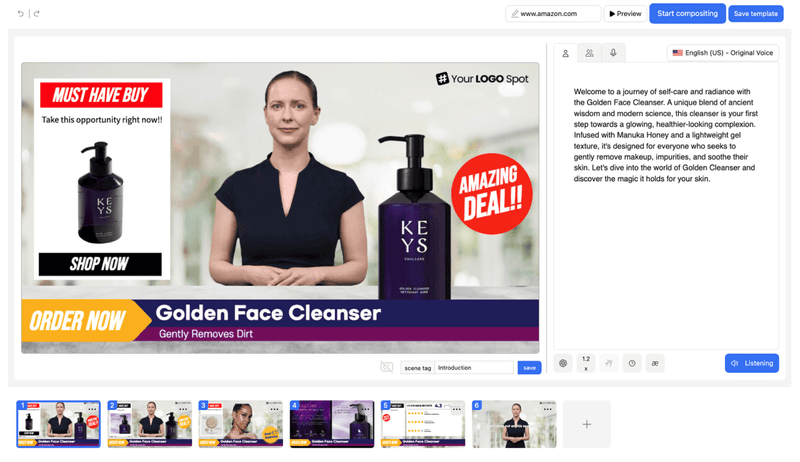
No video experience? No problem. URL to Video is designed for everyone—from beginners to experienced marketers—making professional video creation intuitive, accessible, and stress-free.
Follow these tips to make your URL to Video outputs more professional, engaging, and tailored to your audience, while maximizing the potential of your webpage content.

Select long-form articles, detailed product pages, or information-dense websites. Pages with clear headings, structured paragraphs, and rich images give URL to Video the material it needs to generate well-organized, informative videos.

Ensure images on your page are high-quality and properly sized, including charts, diagrams, or illustrations. High-quality visuals allow URL to Video to produce crisp, visually appealing videos that capture attention instantly.

Set a clear goal before generating your video—whether it’s for social media, advertising, educational content, or internal presentations. Defining the purpose helps URL to Video adjust pacing, style, and length to suit your intended audience.
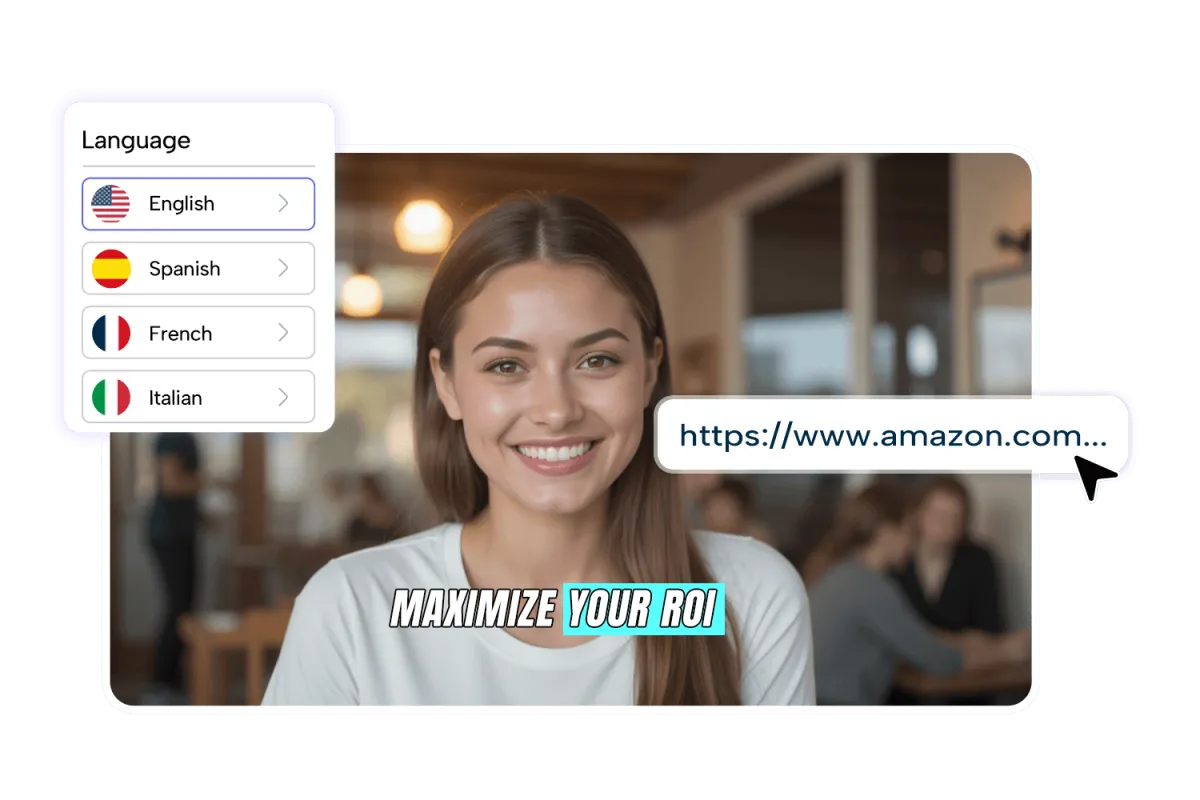
Add subtitles or voiceovers in your audience’s preferred language. With multilingual options and natural voice styles, URL to Video videos can reach broader audiences and make your content more engaging globally.
If template options are available, choose one that matches your content’s tone or brand style. Fine-tune colors, fonts, and transitions to ensure your URL to Video output looks polished, cohesive, and professional.
Videos generated with URL to Video can be shared on social media, embedded on websites, included in email campaigns, or used for training and product demos. Adjust formats and resolutions for different platforms to fully leverage the versatility of your video content.
Explore our curated URL to Video gallery and witness the striking transformation from static webpage links into dynamic, visually compelling videos that captivate audiences and demonstrate real impact.
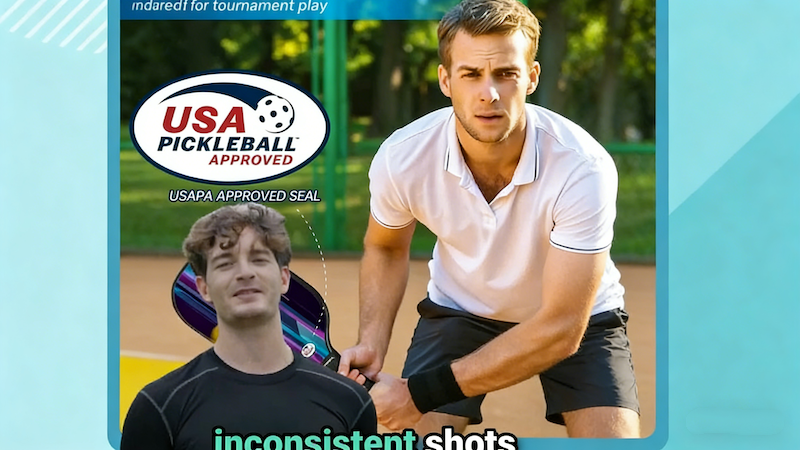
Long-form blog content is distilled into its most compelling points, enhanced with visual elements, and transformed into structured videos that tell a story clearly and attractively, showing how URL to Video can bring written content to life.
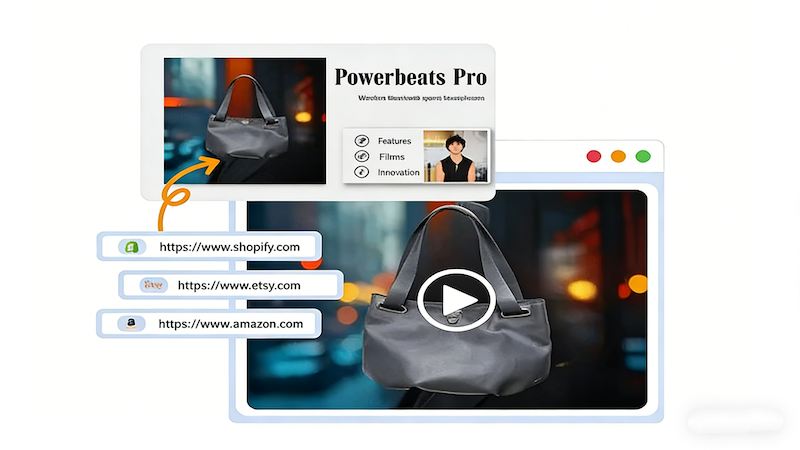
Turn e-commerce product pages into polished video presentations with key features, usage demonstrations, and visual highlights. These videos illustrate the value of products instantly, proving how URL to Video enhances product marketing and buyer confidence.

Web-based educational materials are converted into clear, engaging tutorial videos. Visual storytelling helps learners absorb complex concepts more easily, showing the educational potential unlocked by URL to Video.

Company announcements, promotions, and campaign pages are transformed into shareable, attention-grabbing videos. URL to Video demonstrates how content can be amplified to reach wider audiences and make marketing more persuasive.
Using URL to Video is intuitive and straightforward. Follow these steps to go from a webpage link to a polished video, with a clear process that reduces uncertainty and ensures a smooth experience.
Copy the webpage link you want to transform and paste it into the input field. By pointing to the desired content, URL to Video prepares all the elements needed for video creation.
Click the generate button to start processing. The system automatically analyzes text, images, and key elements, turning them into a structured video with intelligent editing and layout, all handled in the background.
After a few minutes, preview your generated video to review content, pacing, and visual flow. Once satisfied, download the final video and use it in your projects or on social platforms, showcasing how URL to Video brings your ideas to life quickly.
Find clear, practical answers to the most common questions about URL to Video. Whether you want to understand how it works, explore its features, or optimize your video creation process, these FAQs help you get the most out of transforming webpage links into engaging, professional videos.
Videos are typically ready within a few minutes, depending on the length and complexity of the original webpage. URL to Video streamlines the process, delivering fast and efficient results.
URL to Video automatically generates videos in professional-standard formats, ensuring crisp visuals, clear audio, and polished presentation suitable for any platform.
Videos generated with URL to Video are flexible, ranging from a few seconds to several minutes. The tool intelligently adapts to your webpage content, ensuring the final video matches your intended style, message, and audience engagement needs.
Yes. The tool supports multiple languages for subtitles and voiceovers, helping you reach a global audience effortlessly.
URL to Video generates videos in widely used formats like MP4 and MOV, offering multiple resolution options to fit different platforms and use cases.
URL to Video uses AI to analyze webpage structure, extracting key text, images, and media elements to ensure the generated video faithfully represents the core information from the original page.
Yes. URL to Video is secure and protects your webpage data. All generated content is used solely for video creation, ensuring privacy and data safety.
Yes. URL to Video provides responsive customer support to assist you with technical issues, troubleshooting, or guidance on creating the best videos from your links.
Stop struggling with editing! Simply provide a link to URL to Video, and let AI quickly transform your webpage content into a stunning video. Tell your story visually, engage your audience, and boost your impact—start your first video creation today with just a single link.
Experience Instant Video Creation from Web Links with URL to Video